
BenQ TH671ST
4.4Editor score
Ultra Low Input Lag
Full HD 1080p Resolution
3000 Lumens Brightness
This guide compares the top Benq projectors for golf simulators in October 2026. We analyze brightness, throw ratio, resolution, and gaming features to help
Finding the right projector for your golf simulator is crucial for an immersive experience. You need high brightness, low input lag, and a throw ratio that fits your space without casting shadows on the screen. This guide covers the best options available today.
We evaluated each product based on technical specifications, user reviews, and suitability for golf simulation software. Our team compared laser versus lamp technology, resolution clarity, and connectivity options. Every model was scrutinized to ensure it meets the demands of serious golfers.
Each pick in this list highlights specific strengths like short-throw design or 4K resolution. Prices fluctuate frequently, so please check the current listing before purchasing. We aim to provide accurate details to help you invest wisely in your indoor golf setup.
4.4Editor score

3.5Editor score

5.0Editor score
The following table provides a side-by-side comparison of the top ten projectors evaluated for golf simulation use. We compare resolution, brightness, throw ratios, and key features to help you visualize the differences quickly and make an informed decision.
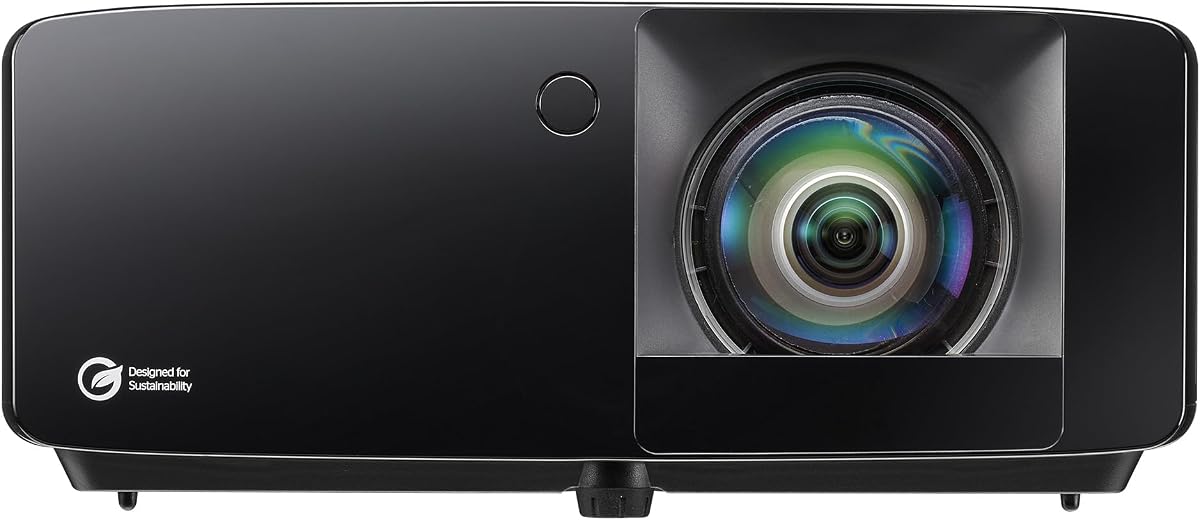
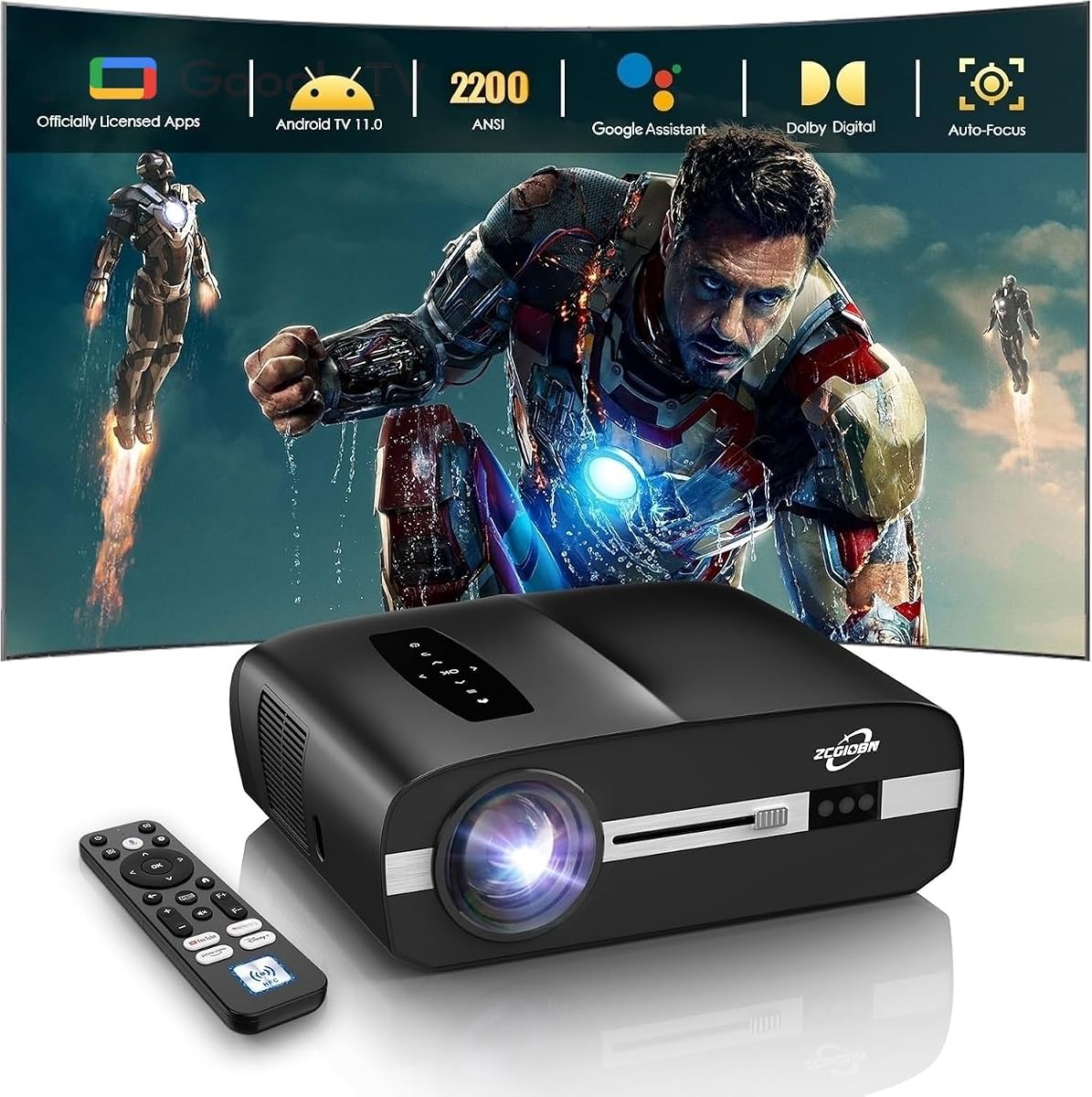


The BenQ AH700ST stands out as a top choice for dedicated golf simulators. Its high brightness ensures clear visuals even in well lit rooms. The dedicated golf mode enhances course colors effectively.
We may earn a commission when you buy through this link, at no additional cost to you.
With 4000 ANSI lumens, this projector handles ambient light well. Short throw design minimizes shadow interference during swings. Laser technology reduces maintenance needs significantly over time.
While it lacks 4K resolution, the 1080p image remains sharp enough for detailed course layouts. The price is higher than standard options but justified for specific golf use.
Buyers needing a reliable simulator setup will appreciate this model. It balances brightness and features well. Check current pricing as it varies often online.
The short throw ratio allows placement closer to the screen reducing shadows during play.
Laser light sources provide consistent brightness and require less maintenance than traditional lamps.
We may earn a commission when you buy through this link, at no additional cost to you.
This model offers exceptional value for golf simulators needing a compact solution. It brings cinema quality visuals with low input lag. Users praise its reliability and gaming features.
We may earn a commission when you buy through this link, at no additional cost to you.
With 3000 lumens, the image is bright enough for most indoor setups. Short throw helps in smaller rooms. Input lag is minimal for smooth gameplay feedback.
While it lacks specific golf modes, standard image settings work well. The price point makes it accessible for hobbyists. It is a versatile unit beyond golf use.
For budget conscious buyers, this is a strong contender. It provides necessary features without overspending. Ensure room lighting is managed for best results.
Low input lag ensures your swing feedback appears instantly on screen without delay.
The short throw lens lets you mount the projector higher or further back safely.
We may earn a commission when you buy through this link, at no additional cost to you.
The LK936ST delivers premium visuals suitable for high end simulators. Native 4K resolution shows grass texture and ball flight clearly. It is built for serious use.
We may earn a commission when you buy through this link, at no additional cost to you.
Brightness is exceptional at 5100 lumens. This handles bright environments easily. Short throw design fits various room layouts. Laser source ensures long term reliability.
The price reflects professional grade components. Most casual golfers may not need this level. However, it sets a new standard for clarity in simulators.
Investors in commercial setups should consider this unit. It offers top tier performance. Verify warranty terms and support availability for purchase.
Native 4K resolution ensures every detail of the virtual course is razor sharp.
5100 ANSI lumens allow for clear projection even with overhead lights on.
We may earn a commission when you buy through this link, at no additional cost to you.
This Optoma model brings 4K resolution to golf simulation at a competitive price. It offers sharp visuals and low lag. Golfers appreciate the short throw for safety.
We may earn a commission when you buy through this link, at no additional cost to you.
With 4000 lumens, images stay vibrant. True 4K shows detailed textures. DuraCore laser reduces maintenance. Input lag is low for smooth feedback.
It does not have a specific golf mode but HDR helps. The price is lower than BenQ premium models. It is a strong alternative for 4K needs.
Buyers wanting 4K on a budget will like this. It balances specs well. Ensure your PC supports 4K output for full benefit.
True 4K resolution provides exceptional clarity for grass and ball flight visuals.
Short throw design allows safe placement away from the golfer swing zone.
We may earn a commission when you buy through this link, at no additional cost to you.
This model integrates smart features well for home use. Google TV allows streaming directly. High brightness ensures clear images. Sports mode can mimic golf visuals.
We may earn a commission when you buy through this link, at no additional cost to you.
Brightness is strong at 3800 lumens. Input lag is low for responsiveness. It is easy to install. Versatile for other entertainment too.
It lacks a dedicated golf setting. Short throw is not standard which may affect placement. Price is moderate compared to others.
For smart home integration, this is ideal. Golfers might prefer manual setup. Check if short throw options exist for your room.
Included Google TV dongle enables streaming without extra hardware for easy setup.
3800 lumens ensures clear projection even in rooms with some ambient light.
We may earn a commission when you buy through this link, at no additional cost to you.
This unit offers industry leading brightness for any lighting condition. WUXGA resolution provides sharp detail. Short throw fits small spaces. Laser ensures longevity.
We may earn a commission when you buy through this link, at no additional cost to you.
5500 lumens is rare for simulators. It handles bright lights. Laser tech reduces maintenance. Contrast ratio is high for depth.
It lacks specific golf modes but works well. The price is high for home use. It is better for large venues.
For bright garages, this is a top pick. It guarantees visibility. Check ceiling mount options for safety.
5500 ANSI lumens provides exceptional visibility even in uncontrolled lighting.
Laser light source lasts up to 20000 hours reducing replacement costs.
We may earn a commission when you buy through this link, at no additional cost to you.
This model brings smart Android TV features to 4K home theater. Lens shift aids alignment. LED source lasts long. It offers color accuracy.
We may earn a commission when you buy through this link, at no additional cost to you.
Android TV allows streaming directly. LED life is excellent. Color volume is high. It is a great multimedia unit.
Brightness is moderate for day golf. LED is good but not laser. Throw is standard which limits placement.
For smart users, this is appealing. Golfers should check throw distance. Verify compatibility with simulator software.
Certified Android TV brings Netflix and apps directly to the projector.
2D lens shift allows flexible placement without digital distortion.
We may earn a commission when you buy through this link, at no additional cost to you.
This model has been a favorite for gaming years. It offers low lag. Short throw helps with safety. Brightness is good.
We may earn a commission when you buy through this link, at no additional cost to you.
Input lag is minimized for fast feedback. Throw allows safe placement. Users report reliability. It is versatile for other media.
Golf specific modes are not present. It is a solid general purpose projector. Performance holds up well.
Golfers needing low lag will find it useful. It is a safe pick. Ensure your simulator supports 1080p.
Award winning for gaming it ensures smooth visuals for fast action.
Short throw allows placement closer to screen reducing shadow risks.
We may earn a commission when you buy through this link, at no additional cost to you.
This model offers a dedicated golf mode. Brightness handles large rooms. Laser ensures reliability. It supports 360 degree projection.
We may earn a commission when you buy through this link, at no additional cost to you.
Golf mode boosts greens and blues. High brightness suits commercial use. Laser reduces maintenance needs. It is built for durability.
Resolution is lower than 1080p. It is designed for venues. Setup is flexible with zoom.
Facilities may benefit from this mode. Home users might prefer higher resolution. Check if golf mode suits your needs.
Realistic Golf Simulation Mode enhances greens and blues for better visuals.
5500 ANSI lumens ensure clear images in any lighting environment.
We may earn a commission when you buy through this link, at no additional cost to you.
This cover protects projectors from mishits. Turf finish blends with setup. It prevents damage and offers ventilation. It is easy to use.
We may earn a commission when you buy through this link, at no additional cost to you.
HDPE material withstands swings. Turf looks authentic. It fits common projectors. Installation is simple.
It is not a projector but a vital accessory. Users must ensure LED source. It is essential for safety.
For floor mounted setups, this is necessary. It saves money on repair. Ensure proper fit before installation.
Made from HDPE and polycarbonate it shields projector from mishits.
Side vents allow airflow to prevent overheating of the projector.
We may earn a commission when you buy through this link, at no additional cost to you.
Selecting the right projector for a golf simulator involves balancing technical specs and room constraints. This guide outlines the most critical factors to consider before purchasing.
Brightness determines how well the image appears with lights on. For indoor golf, look for 3000 ANSI lumens or higher to ensure vibrant colors during the day. Higher lumens prevent washout in bright garages.
Aim for 3000+ lumens for indoor clarity.
Throw ratio defines the distance needed for a specific image size. Short throw projectors are essential for simulators to prevent the projector from being in the swing zone. This reduces shadow interference significantly.
Short throw ratio prevents shadows during swings.
Input lag is the delay between hitting a shot and seeing the result. For golf simulators, low input lag is vital for realistic feedback. Look for values under 20ms for smooth tracking.
Low input lag ensures real-time swing feedback.
Resolution impacts the sharpness of the course visuals. While 1080p is standard, 4K offers better detail for ball flight tracking. Higher resolution helps distinguish grass textures and ball paths.
4K resolution offers sharper grass and ball details.
Laser sources last longer and maintain consistent brightness over time. Lamp sources are cheaper but require replacement. Laser is preferred for long term reliability and reduced maintenance costs.
Laser light source offers longer life and stability.
Check for HDMI 2.0 or higher for modern consoles. Multiple inputs are useful for switching between PC and console. Ensure USB ports support needed data transfer for controllers.
HDMI 2.0+ ensures compatibility with modern PCs.
Special modes like Golf or Sports optimize color output for outdoor scenes. These enhance greens and blues to mimic real courses. Check if the projector includes these presets.
Golf specific modes enhance greens and blues.
The projector must withstand potential vibration and dust. Sealed engines protect internal parts. Consider a protective cover if placed near the hitting area to prevent damage.
Sealed optical engines protect against dust.
Position the projector securely on a shelf or mount to prevent accidental hits. Ensure the lens is aligned properly with the screen to avoid distortion. Use the keystone correction features to square the image.
Keep the lens clean with a soft cloth to maintain brightness. Regularly check vents to prevent overheating during long sessions. Use a surge protector to safeguard against power fluctuations.
Follow the manufacturer guidelines for startup and shutdown to extend lamp life. Avoid moving the projector while it is hot to prevent internal damage. Schedule maintenance checks annually for optimal performance.
Most Benq projectors display video feeds via HDMI. You typically connect a PC running the simulator to the projector. No projector runs simulator software natively without a source device.
A short throw ratio below 0.8 is ideal for small rooms. This allows the projector to sit further back or higher up, reducing shadow interference during your swing.
Yes, laser projectors offer longer life and consistent brightness. This reliability is valuable for daily use. The higher initial cost pays off in reduced maintenance.
Use a short throw projector mounted high on the ceiling. Alternatively, use a floor mount cover. Place the projector out of the direct line of sight.
4K is not strictly necessary but helps with detailed ball tracking. For most users, 1080p with good brightness is sufficient. Choose 4K if budget allows.
For best results, keep ambient light minimal. If using bright lights, ensure at least 3000 lumens. Dark rooms yield the most vibrant colors.
Most simulators use HDMI. Ensure the projector has at least one HDMI 2.0 input. USB ports are useful for controllers or peripherals.
The BenQ AH700ST leads the list for its balanced features and dedicated golf mode. It is ideal for most home users. Other options suit different budgets and room sizes.
Prioritize brightness and throw ratio when selecting a model. Low input lag ensures smooth gameplay. Invest in protection to extend the unit's life.
Always verify current pricing and availability before buying. Prices change frequently on Amazon. Use our comparison to find the best deal for your needs.