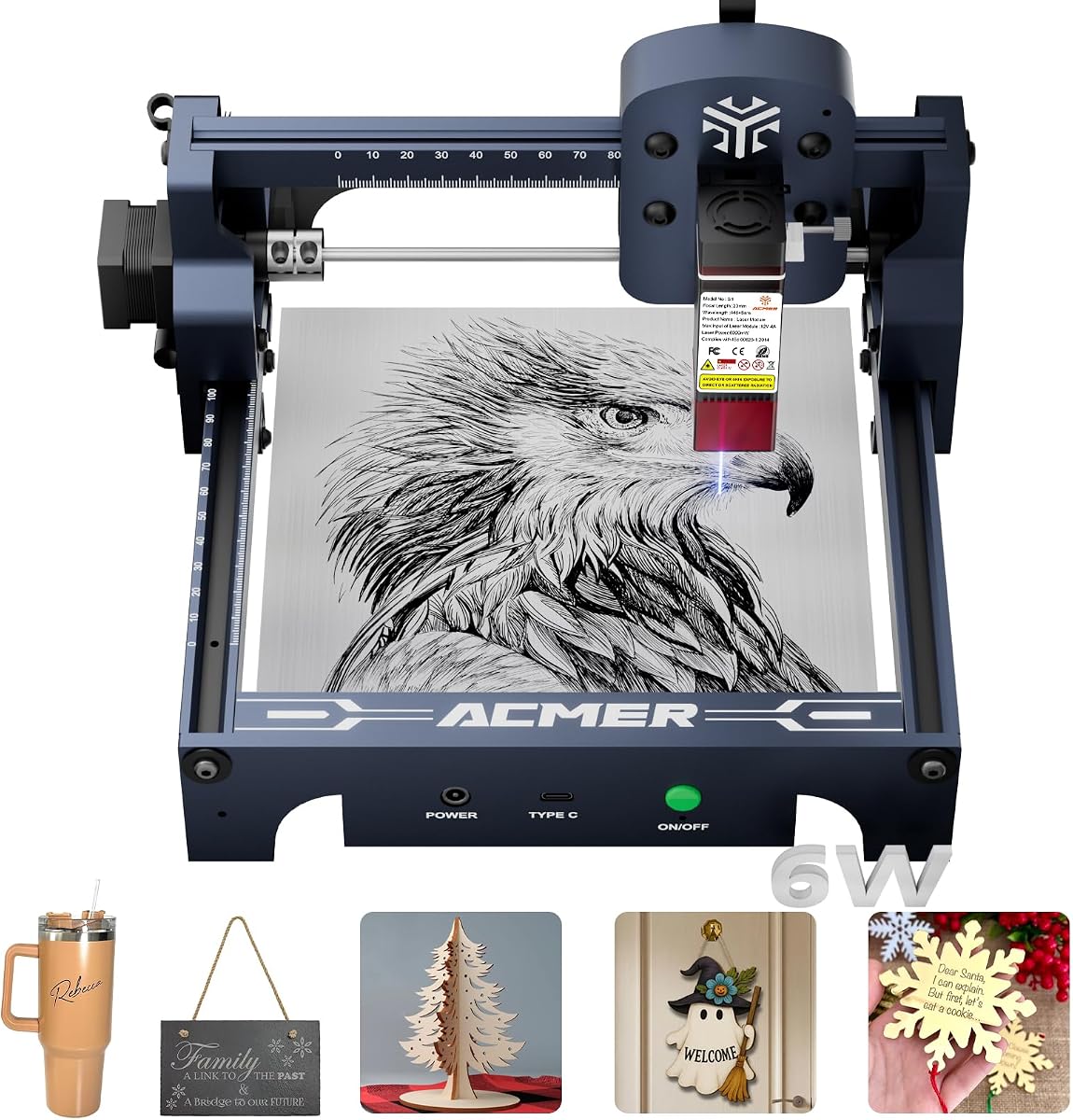
ACMER S1 Laser Engraver Machine
4.3Editor score
6000mW Diode Laser Power
10000mm Min Engraving Speed
99% Preassembled Setup
This guide compares the top ten Acmer laser engraver models for precision cutting and engraving across wood acrylic leather and metal for DIY and business use.
Finding the right laser engraver can transform your creative projects into professional quality results. Acmer offers a wide range of machines suitable for hobbyists and small businesses alike.
We compared ten top rated Acmer models based on power accuracy software compatibility and safety features. This list covers everything from compact desktop units to advanced industrial grade systems.
Each pick highlights key strengths and ideal use cases to help you decide quickly. Prices and availability change often so verify current details before purchasing your next machine.
4.3Editor score

4.4Editor score

5.0Editor score
Below you will find a side by side comparison of all ten models discussed in this guide. Each entry lists essential specifications and direct links to product pages for quick reference.



The ACMER S2 stands out as a top choice for creators seeking balance between power and precision. It delivers true 12W output allowing versatile cutting across wood acrylic and more while maintaining exceptional detail.
We may earn a commission when you buy through this link, at no additional cost to you.
Its refined 0.08mm laser spot ensures intricate patterns and fine text emerge cleanly. The 300x300mm workspace accommodates larger projects without compromising on positioning accuracy up to 0.01mm.
While it offers robust performance users should note that optional upgrades like air assist are not included. Assembly is straightforward but requires careful attention to safety shields and alignment.
This model is ideal for hobbyists moving into small business applications needing reliability. Its compatibility with LightBurn and LaserGRBL adds flexibility for advanced users seeking custom workflows.
ACMER Studio simplifies project management while supporting industry standard tools like LightBurn for advanced control.
Included anti-UV shield and motion detection pause protect users during operation reducing accidental exposure risks.
We may earn a commission when you buy through this link, at no additional cost to you.
This version of the S2 introduces AI tools that transform text prompts into ready to use engraving designs. It appeals to users wanting to skip complex design phases and focus on creation.
We may earn a commission when you buy through this link, at no additional cost to you.
Powered by a 32-bit chip it achieves rapid engraving speeds of up to 10000mm per minute. The true 12W laser ensures deep cuts on materials like paulownia wood and black acrylic.
New users may find the AI capabilities require some experimentation to master fully. However standard engraving functions remain intuitive and compatible with popular third party software.
Best suited for beginners and intermediate creators looking to speed up workflow. The software integration offers a unique edge in personalization tasks without needing external design skills.
Built in AI converts photos and text into patterns reducing manual setup time significantly for creative projects.
Advanced chip enables faster throughput allowing more projects to be completed in shorter timeframes effectively.
We may earn a commission when you buy through this link, at no additional cost to you.
The S1 offers an accessible entry point into laser engraving without sacrificing core performance features. Its 6000mW power handles basic cutting and engraving on wood leather and acrylic effectively.
We may earn a commission when you buy through this link, at no additional cost to you.
At just 2kg it is remarkably portable making it suitable for limited spaces or frequent moves. The machine arrives 99% preassembled requiring only a minute to install the laser head.
While it excels at small projects the 130x130mm area limits larger designs. Power is adequate for detail work but may struggle with thicker materials compared to higher wattage models.
This unit is perfect for students or hobbyists testing the waters. Its compact footprint and ease of setup remove many barriers to starting a crafting or small business venture.
Weighing only 2kg the S1 fits easily on desktops or shelves ideal for shared workspaces at home.
Minimal assembly means you can begin engraving almost immediately after unboxing reducing downtime effectively.
We may earn a commission when you buy through this link, at no additional cost to you.
This S2 variant prioritizes user safety with features like motion detection that pauses operation upon abnormal movement. It is an excellent choice for environments with children or high foot traffic.
We may earn a commission when you buy through this link, at no additional cost to you.
The 7W laser output is sufficient for engraving and shallow cutting on non metals. Users appreciate the anti UV shield and included goggles that enhance protection during long sessions.
While it sacrifices some cutting depth for safety the overall performance remains solid for detailed projects. The software setup remains simple for both new and experienced users across all platforms.
Ideal for classroom use or home studios where safety is paramount. It balances functional power with peace of mind through robust built in protection mechanisms.
Sensors detect unexpected movement and halt the laser instantly preventing potential accidents during operation.
Anti UV shielding blocks harmful rays ensuring safer operation without requiring constant vigilance from users.
We may earn a commission when you buy through this link, at no additional cost to you.
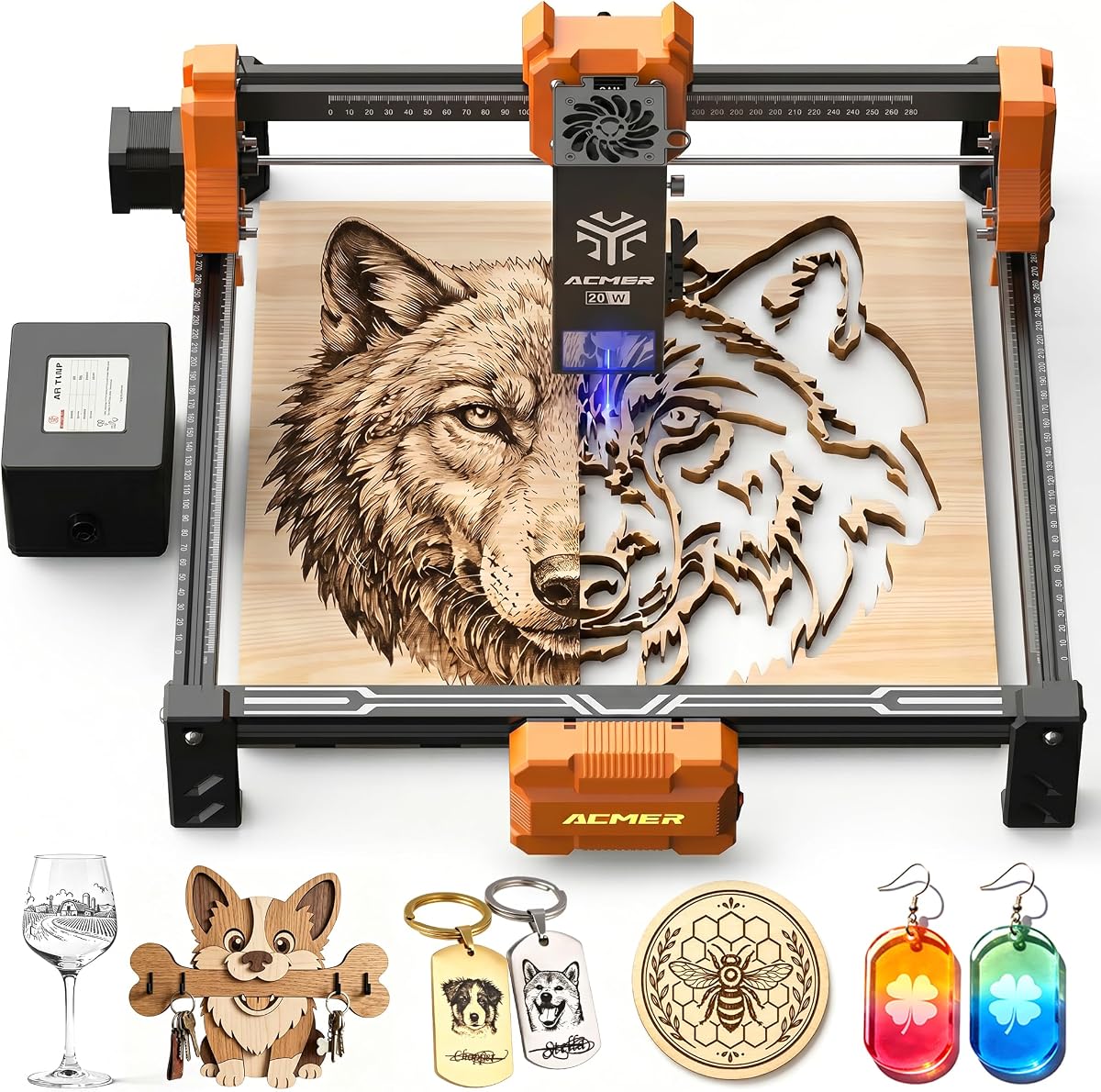
The P1 S Pro 20W brings professional grade power to desktop engraving with a true 20W diode laser. It excels at deep cuts and high volume production runs without overheating.
We may earn a commission when you buy through this link, at no additional cost to you.
An integrated air assist pump minimizes burn marks and keeps the lens clean for consistent results over time. This feature alone justifies the upgrade for serious crafters and small businesses.
With a lifespan of 8000 hours this model offers long term value for daily use. Safety switches prevent over travel ensuring the machine stays within its defined workspace boundaries.
Best suited for professionals who need speed and consistency. Its combination of power and smart features makes it a robust tool for scaling up production capabilities.
Built-in pump clears debris instantly preventing scorch marks for cleaner edges on materials like wood.
Advanced lens technology ensures durability reducing maintenance needs and replacement costs over years of use.
We may earn a commission when you buy through this link, at no additional cost to you.
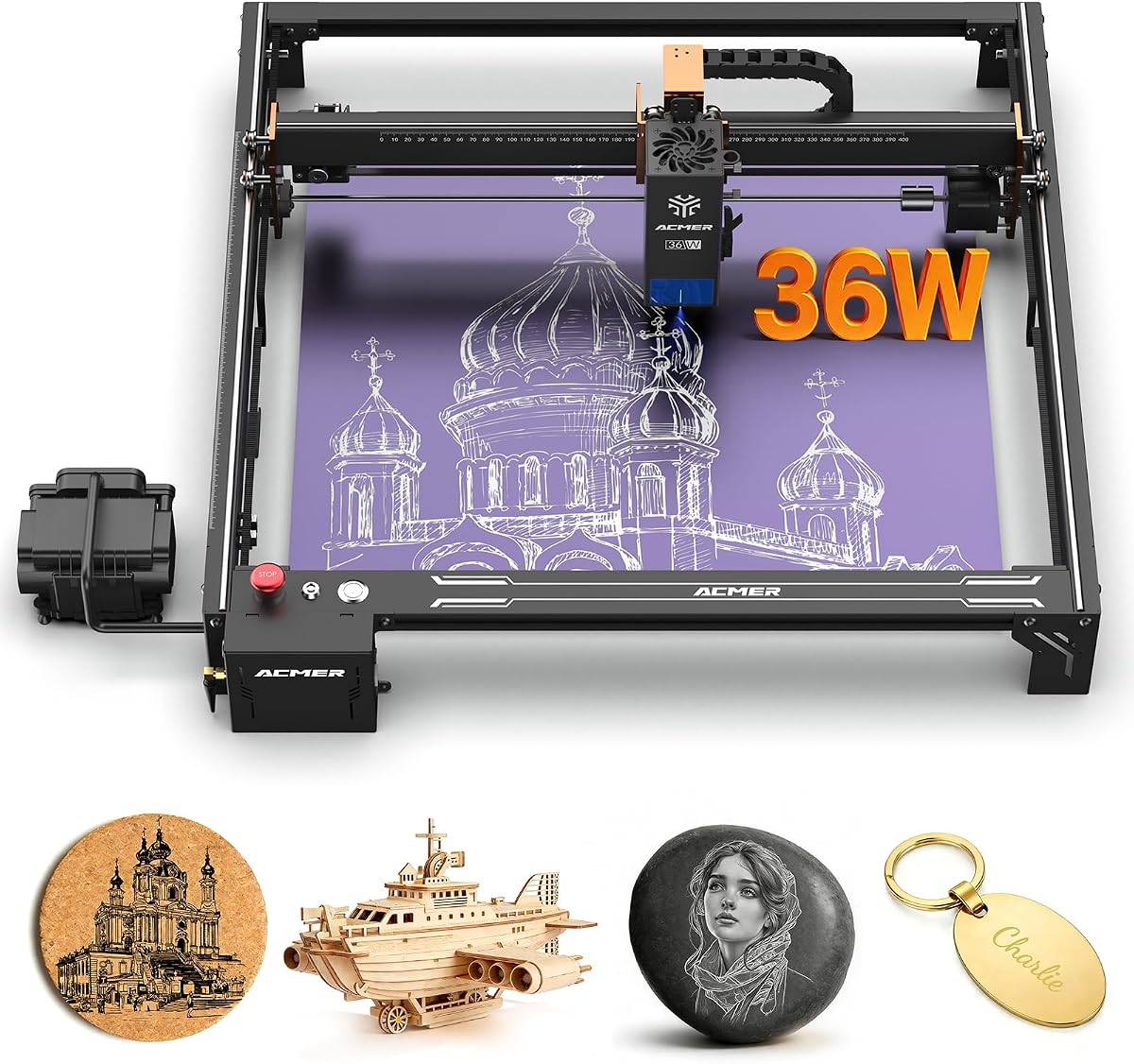
The S2 Pro distinguishes itself with dual linear rails that eliminate vibration during high speed operations. This stability is critical for maintaining precision over long production runs and large formats.
We may earn a commission when you buy through this link, at no additional cost to you.
With 36000mW power it cuts through thicker materials faster than standard units. The 30L air assist ensures clean cuts while the 400x400mm workspace supports oversized designs.
Its industrial features like gyroscopic tilt protection and emergency stop button add layers of safety and control. However the machine is heavier and requires more stable mounting surfaces.
Ideal for small manufacturing setups needing durability. The enhanced stability and power make it a workhorse for consistent high volume engraving projects.
Industrial rails reduce vibration significantly ensuring sharper lines and consistent focus across the entire bed.
WiFi and offline card support allow wireless control and standalone operation without needing a constant PC connection.
We may earn a commission when you buy through this link, at no additional cost to you.
This model packs a genuine 20W laser into a compact frame offering high performance without the bulk. It achieves fast acceleration and speeds ideal for detailed work on various materials.
We may earn a commission when you buy through this link, at no additional cost to you.
Included air assist helps maintain clean edges and protects the lens effectively. The 300x285mm workspace is slightly non standard but provides ample room for most standard projects.
Limit switches prevent head damage ensuring longevity and safety during operation. Users report high satisfaction due to the balance of power and precision at this price point.
Great for makers wanting pro features without industrial costs. Its 5.0 rating reflects strong community approval for reliability and output quality.
Rapid acceleration reduces engraving time improving throughput for batch projects effectively and efficiently.
Built-in air pump ensures cleaner cuts removing smoke and debris immediately during the cutting process.
We may earn a commission when you buy through this link, at no additional cost to you.
The P3 represents the flagship of the lineup with switchable laser output ranging from 24W to 48W. It combines power with safety through an enclosed box that reduces smoke and sound dramatically.
We may earn a commission when you buy through this link, at no additional cost to you.
A built in visual camera allows precise alignment without manual measurement saving significant time on setup. Safety features like fire detection and temperature protection ensure secure operation.
Its CoreXY structure provides high speed accuracy while the honeycomb plate facilitates waste disposal. This is a top tier machine for those seeking every available feature integrated into one unit.
Best for professional studios or advanced enthusiasts needing maximum versatility. The investment reflects comprehensive capabilities that cover nearly every engraving and cutting requirement.
Integrated camera enables drag and drop positioning reducing manual alignment effort significantly for accuracy.
Dual output modes let users choose between high power cutting or efficient engraving as needed per task.
We may earn a commission when you buy through this link, at no additional cost to you.
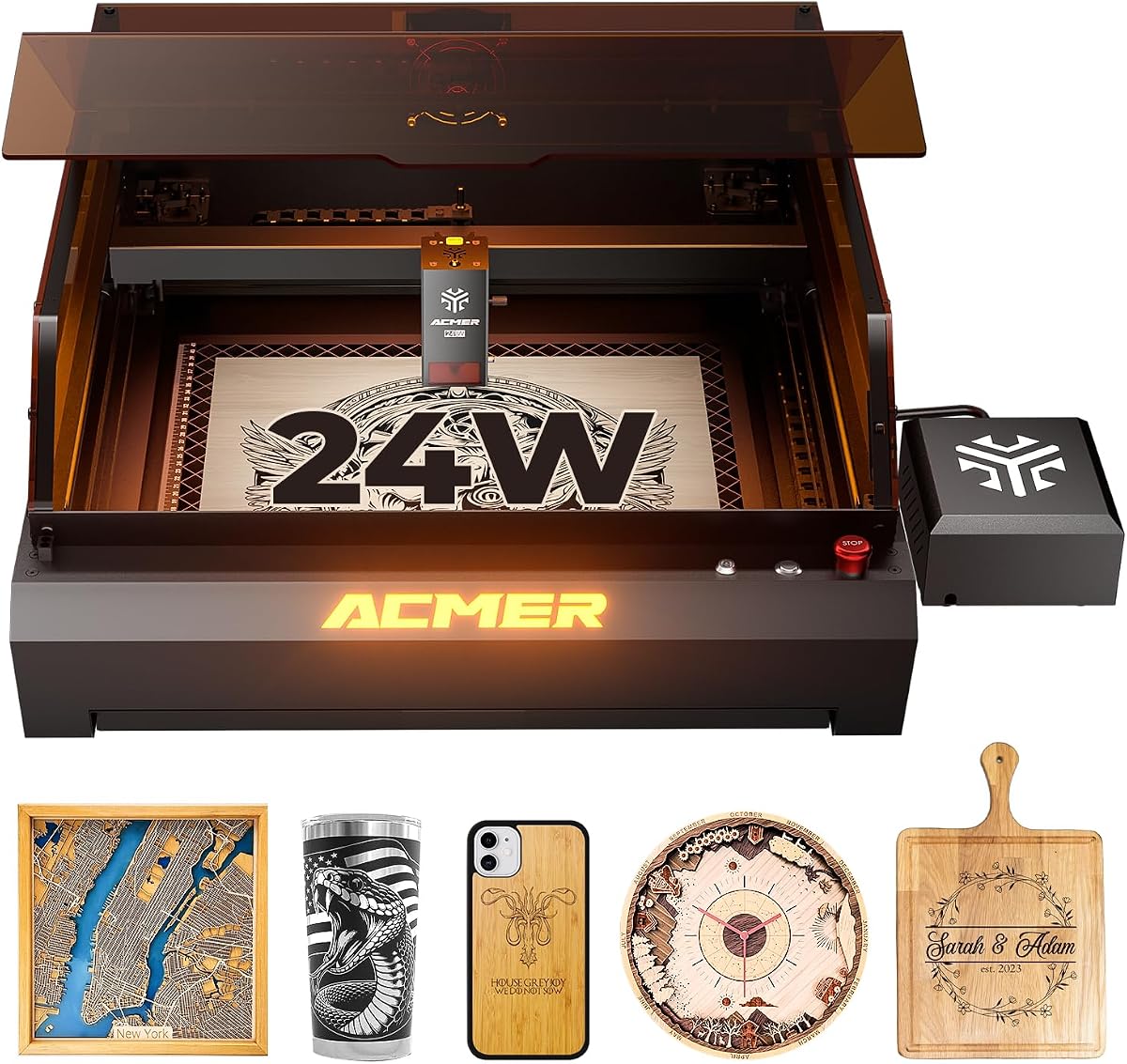
This 24W P3 variant focuses on safety and material compatibility within a closed housing. It reduces smoke and noise significantly making it suitable for residential or office settings.
We may earn a commission when you buy through this link, at no additional cost to you.
The CoreXY structure and linear guides ensure stability even at high speeds. Precision reaches 0.01mm thanks to the compressed spot technology and motion compensation algorithm.
A built-in camera module simplifies positioning allowing accurate alignment on varied materials. The aviation grade frame ensures durability and long term reliability under daily use conditions.
Ideal for users needing a closed system without sacrificing power. It balances professional results with a cleaner safer environment for focused work.
Enclosed housing contains smoke and noise creating a cleaner workspace safer for home and office use.
Industrial guides replace rollers improving stability and reducing vibration during high precision engraving runs.
We may earn a commission when you buy through this link, at no additional cost to you.
This P1 S Pro offers the largest workspace among 6W models allowing expansive designs without stitching. Its 0.06mm spot size provides exceptional detail for intricate patterns and fine text.
We may earn a commission when you buy through this link, at no additional cost to you.
WiFi control and mobile app support add modern convenience to the engraving process. Rotary options enable work on cylindrical objects expanding project possibilities significantly for creators.
While power is limited to 6W it still handles various materials efficiently. The IEC Class 1 safety certification ensures compliance and safe operation for all users.
Best for those prioritizing bed size over cutting depth. The combination of area and connectivity makes it versatile for detailed large scale projects.
A 380x370mm workspace accommodates larger sheets enabling full size signs without multiple alignment moves.
WiFi connectivity allows operation via mobile apps enabling flexible workflow away from the computer desktop.
We may earn a commission when you buy through this link, at no additional cost to you.
Selecting the right model involves balancing power workspace and features with your specific project needs. This guide outlines key factors to consider before purchasing.
Laser power dictates what materials you can cut and engrave effectively. Higher wattage units like 20W or 36W cut through thick wood and acrylic faster than 6W or 7W models.
Choose higher power for production or deep cuts but consider lower power for fine detail or budget constraints.
The workspace size determines the maximum dimensions of a single piece you can engrave without stitching. Some models offer 300x300mm while others reach 400x400mm or larger.
Ensure the bed fits your common project sizes to avoid extra time on alignment and stitching.
Most ACMER machines work with standard tools like LightBurn and LaserGRBL. Some include custom Studio software with AI features for design generation and control.
Check if your preferred software is supported to ensure a smooth design workflow.
Safety is critical with laser equipment. Look for features like anti-UV shields, emergency stop buttons, and enclosed chambers that reduce exposure and noise.
Prioritize models with motion detection or auto-pause if children or pets share the workspace.
Air assist pumps clear smoke and debris during cutting preventing burn marks and protecting the lens. Some models include this built-in while others require separate purchase.
Invest in a unit with built-in air assist for cleaner edges and lower maintenance.
Some models arrive nearly preassembled while others need more setup. Portability matters if you move the machine between rooms or transport it to classes.
Lighter units under 5kg are easier to store and move without specialized stands.
Precision affects how sharp and detailed your output will be. Look for accuracy around 0.01mm for fine work. Speed ratings in mm/min impact production efficiency.
Higher speed with high precision ensures quick turnaround without sacrificing quality.
Prices range from budget friendly options under $150 to premium units over $1000. Check warranty terms which typically cover one year for mechanical parts.
Balance initial cost with expected lifespan and support to maximize long-term value.
Always wear the included laser safety goggles before powering on the machine. Check that the protective shield or enclosure is closed to prevent accidental eye exposure.
Run a test on scrap material to calibrate focus and power settings for each new type of surface. Use the software preview to ensure alignment before starting the full job.
Clean the lens regularly with a soft lint-free cloth to maintain cutting efficiency. Keep the workspace ventilated or use the air assist to remove smoke and debris effectively.
Most diode models can engrave coated metals but cannot cut bare steel. They excel at cutting wood leather and acrylic. For bare metal, you would need a fiber laser system not included in this line.
LightBurn is widely recommended for advanced control and design features. LaserGRBL offers a free alternative for simpler tasks. ACMER Studio provides native tools with AI design capabilities for easier setup.
Most models need a PC or Mac to control the engraving process. Some higher end units support WiFi or TF card for standalone operation without a constant computer connection.
Laser modules typically last between 5000 to 8000 hours depending on usage intensity. Proper ventilation and regular cleaning help extend this lifespan significantly over time.
Air assist is highly recommended for clean cuts on wood and acrylic. It reduces scorching and protects the lens from debris. Without it, edge quality and maintenance frequency may suffer.
Many models meet IEC 60825-1 standards and are Class 1 or Class 4 certified. Always check specific certification details for your region and follow provided safety guidelines during operation.
The ACMER lineup offers strong options for every budget from the portable S1 to the powerful P3. Choosing the right model depends on your material needs and workspace constraints.
Prioritize safety features and software support to ensure long term satisfaction. Higher wattage and larger beds increase capability but require more room and careful handling.
Prices and promotions change frequently so review current listings before buying. Use the comparison table above to track specs and links for your final decision.