
Philips 24 Inch Computer Monitor FHD
4.6Editor score
Affordable entry-level price
Flicker-free screen technology
Wide viewing angles
Finding the right computer monitors for MacBook Pro requires balancing color accuracy with seamless connectivity options for your workflow needs today.
We compared ten top models based on resolution, refresh rates, USB-C power delivery, and compatibility with macOS systems for diverse professional users.
Each pick highlights key strengths and trade-offs so you can choose wisely while noting that pricing and availability may fluctuate over time.
4.6Editor score
5.0Editor score

4.3Editor score
As an Amazon Associate we earn from qualifying purchases.
The following table provides a side-by-side look at the most important specifications and features across all ten monitors reviewed in this guide for easy comparison.



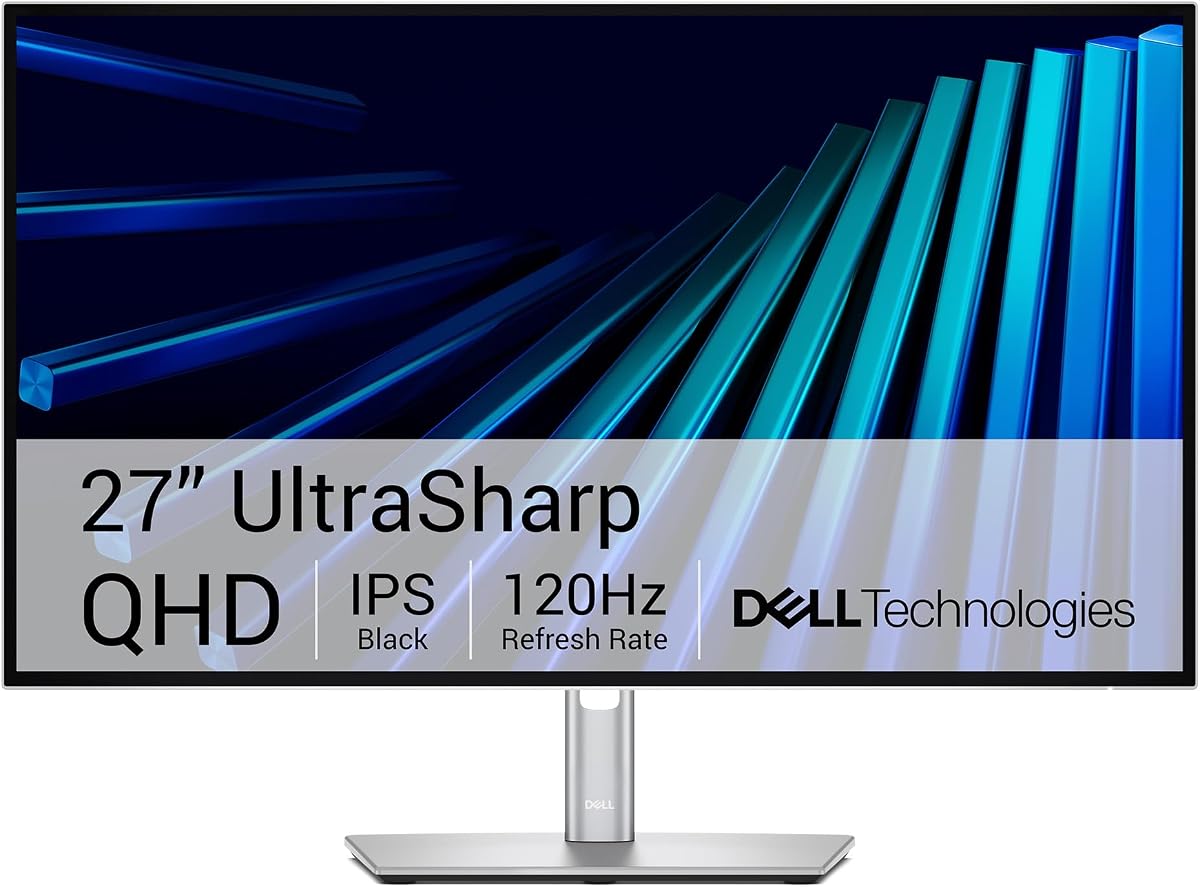
This Dell monitor stands out as a top contender for professionals using MacBook Pro due to its exceptional color accuracy and robust connectivity options.
We may earn a commission when you buy through this link, at no additional cost to you.
With 98% Display P3 coverage and a factory-calibrated panel, it ensures that creative work looks exactly as intended straight out of the box.
While the price is higher than budget alternatives, the included Thunderbolt hub and KVM switch add significant value for multi-device workflows.
If you need a reliable daily driver that handles design and media tasks with ease, this monitor is highly recommended for your setup.
The factory calibration ensures Delta E values are low, meaning colors match your expectations for photo and video editing without extra tweaks.
Mac users can install the Dell Display and Peripheral Manager app to fine-tune settings directly from their macOS environment for better control.
We may earn a commission when you buy through this link, at no additional cost to you.
BenQ designed this monitor specifically for Mac users, offering exclusive color tuning that matches the P3 gamut found in MacBook Pros.
We may earn a commission when you buy through this link, at no additional cost to you.
You can adjust brightness and volume directly from your MacBook keyboard, which makes daily adjustments incredibly convenient for workflow efficiency.
The dual USB-C ports provide 90W power delivery, keeping your MacBook charged while you work on a high-quality 4K display.
Although it is more expensive than average monitors, the specific Mac features and color accuracy justify the cost for serious professionals.
Integrated controls let you manage monitor settings via keyboard shortcuts, eliminating the need to reach for physical buttons on the screen.
With 90W delivery through USB-C, you can power most MacBook Pro models while handling data transfer on a single cable connection.
We may earn a commission when you buy through this link, at no additional cost to you.
This LG Ultrafine monitor offers stunning 4K visuals with HDR support, making it a great choice for media consumption and creative tasks.
We may earn a commission when you buy through this link, at no additional cost to you.
The USB-C port supports up to 90W power delivery, which simplifies connections by reducing cable clutter on your desk space.
With 95% DCI-P3 color gamut, it delivers vibrant and accurate colors suitable for video editing and graphic design work efficiently.
While it lacks Thunderbolt, its broad port selection and ergonomic stand make it a versatile option for a wide range of users.
DisplayHDR 400 certification ensures that high dynamic range content looks more vivid and detailed compared to standard SDR displays.
Multiple HDMI and USB ports allow you to connect various peripherals without needing extra docks or adapters for your workflow.
We may earn a commission when you buy through this link, at no additional cost to you.
The Dell 24 Plus brings a high refresh rate and fast response time to the budget-friendly category, perfect for smooth scrolling and gaming.
We may earn a commission when you buy through this link, at no additional cost to you.
Its TÜV-certified comfort features reduce eye strain during long work sessions, which is a significant benefit for daily MacBook users.
Even though it offers FHD resolution, the 144Hz refresh rate provides a very fluid experience for general productivity and media use.
If you prioritize smooth motion over pixel density, this monitor is an excellent choice for those looking to save money without sacrificing quality.
The 144Hz refresh rate ensures that scrolling through web pages and documents feels exceptionally fluid compared to standard 60Hz screens.
Blue light reduction technology helps minimize strain during extended work periods, making it easier to focus for longer durations.
We may earn a commission when you buy through this link, at no additional cost to you.
For budget-conscious buyers, this Philips monitor delivers impressive value with a 100Hz refresh rate and a clean, bezel-free design.
We may earn a commission when you buy through this link, at no additional cost to you.
The VA panel offers deep blacks and high contrast, making it suitable for watching movies and documents in low-light environments.
While it lacks USB-C connectivity, it works well with adapters and provides a sharp Full HD image that is great for general office tasks.
If you need an extra screen for multitasking without breaking the bank, this model is a solid and reliable option to consider today.
The price point makes it accessible for students or home offices needing a secondary display without high costs or complex setups.
Flicker-free technology reduces eye fatigue, allowing you to work comfortably for hours without needing frequent breaks from the screen.
We may earn a commission when you buy through this link, at no additional cost to you.
This LG monitor brings a sharp 4K IPS display to the table, offering excellent color consistency across wide viewing angles for designers.
We may earn a commission when you buy through this link, at no additional cost to you.
The HDR10 support enhances contrast and color for supported content, making it a good choice for multimedia and general productivity work.
Without USB-C power delivery, you will need separate power for your laptop, but the multiple HDMI and DisplayPort inputs offer flexibility.
It is a reliable 4K option that balances performance and price well for users who prioritize screen real estate and clarity.
IPS technology ensures that colors remain consistent even when viewed from different angles, which is great for collaborative reviews.
The onscreen control software allows you to manage display settings easily using your mouse, streamlining the adjustment process.
We may earn a commission when you buy through this link, at no additional cost to you.
Another look at this Dell model highlights its strength for developers and designers who need to switch between multiple machines easily.
We may earn a commission when you buy through this link, at no additional cost to you.
The built-in KVM switch allows you to control two devices with one keyboard and mouse, significantly improving workflow efficiency.
Its high refresh rate and deep blacks provide a smooth experience for UI work and media viewing without motion blur or lag.
If you are an executive or creator needing a premium finish and reliable connectivity, this Thunderbolt hub monitor delivers on all fronts.
Switching between your Mac and another PC is seamless with the KVM switch, removing the hassle of plugging and unplugging cables.
A 120Hz refresh rate makes scrolling through code and design layouts feel incredibly smooth and responsive during daily use.
We may earn a commission when you buy through this link, at no additional cost to you.
This BenQ model is specifically built for Mac users, offering factory calibration and USB-C charging to simplify your desk setup.
We may earn a commission when you buy through this link, at no additional cost to you.
The nano matte panel diffuses ambient light, which reduces glare and helps preserve color accuracy in bright office environments.
Daisy chain support allows you to connect multiple monitors in a series, keeping your workspace organized with fewer cables.
For designers who need accurate colors and ergonomic comfort, this monitor provides a well-rounded experience at a reasonable price.
Factory calibration ensures that color profiles match between your Mac and monitor, maintaining consistency across different screens.
The nano matte finish reduces reflections from windows or overhead lights, ensuring the screen remains clear during long sessions.
We may earn a commission when you buy through this link, at no additional cost to you.
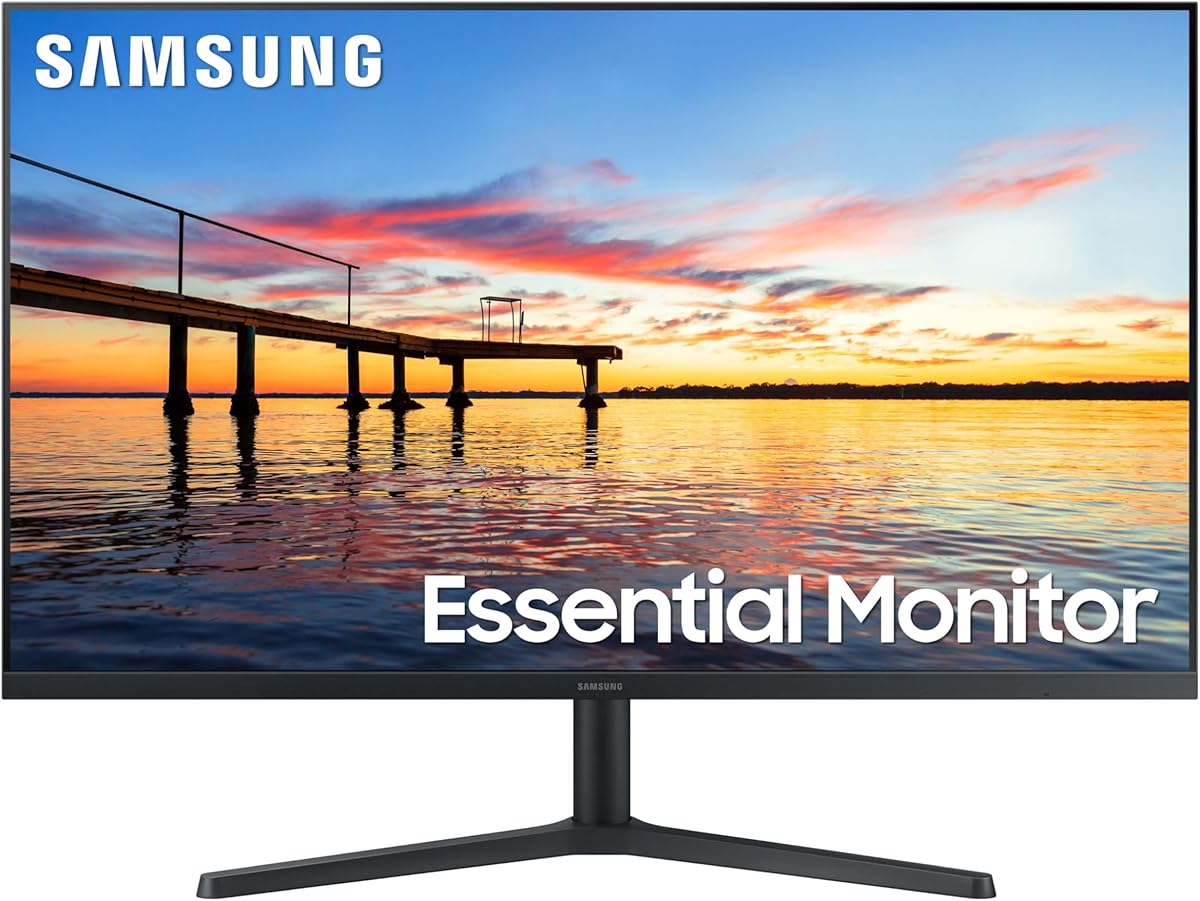
The Samsung 32-inch monitor offers a large workspace ideal for multitasking and spreadsheets, though the resolution is standard FHD.
We may earn a commission when you buy through this link, at no additional cost to you.
The borderless design creates a clean look that works well in multi-monitor setups without distracting bezels getting in the way.
With AMD FreeSync and a flicker-free screen, it provides a smooth and comfortable experience for gaming and long work sessions.
If you need a large display for general tasks and don't require 4K clarity, this model offers excellent value and screen real estate.
A 32-inch screen gives you more room for open windows and documents, improving productivity for data-heavy tasks and editing.
The borderless edges make it easy to line up multiple monitors side by side, creating a wide panoramic view for your desk.
We may earn a commission when you buy through this link, at no additional cost to you.
This LG monitor offers a great balance of features with QHD resolution and a 100Hz refresh rate at an entry-level price.
We may earn a commission when you buy through this link, at no additional cost to you.
It includes USB-C connectivity, though the power delivery is limited to 15W, which is mostly for data rather than full charging.
HDR10 support adds a bit of pop to media viewing, while Reader Mode helps reduce eye strain during document work.
For users on a tight budget who still want a crisp IPS panel and decent performance, this is a practical choice for daily use.
IPS technology delivers consistent colors and wide viewing angles, ensuring the image looks good from various positions.
The 100Hz refresh rate provides a smoother visual experience than standard monitors, making scrolling and animations feel better.
We may earn a commission when you buy through this link, at no additional cost to you.
Selecting the ideal monitor involves evaluating several technical aspects that align with your specific needs and Mac compatibility.
Higher resolution like 4K offers sharper text and more screen real estate which is beneficial for design and productivity tasks.
For most users 4K is recommended to match the Retina display quality of MacBook Pro screens without pixelation.
Monitors with USB-C that provide high wattage can charge your MacBook and transfer data through a single cable.
Look for at least 65W to 90W delivery to keep your laptop powered during use without needing extra adapters.
Professional work requires monitors that cover wide color gamuts like P3 or sRGB for true to life image reproduction.
Factory calibration ensures that the colors you see are accurate which is vital for photo and video editing work.
A higher refresh rate such as 120Hz makes scrolling and animations feel smoother which reduces eye strain over time.
Fast response times prevent motion blur and ghosting ensuring that moving content remains sharp and clear on screen.
Having multiple HDMI and DisplayPort ports allows you to connect various devices simultaneously for a flexible workspace setup.
Thunderbolt support provides faster data transfer speeds and video bandwidth but often comes with a higher price tag.
Adjustable stands that allow height tilt and swivel help you position the screen at eye level for better posture.
A sturdy base is also important to prevent wobble when you type or adjust the monitor during your daily workflow.
Some monitors offer specific features like macOS color matching and keyboard shortcuts which simplify the user experience.
Ensure the display works well with your system settings to avoid issues with scaling or color profiles on Mac.
A clean bezel-less design looks modern and helps reduce distractions while working on creative or focused tasks.
Durable materials and a professional finish ensure the monitor lasts longer and fits well in office environments.
Connect your monitor to the MacBook Pro using a compatible cable to ensure data and power are transmitted effectively.
Adjust the stand height and tilt to position the screen at eye level to reduce neck strain during long work sessions.
Clean the display with a soft microfiber cloth to avoid scratches and maintain a clear view of your desktop.
While not strictly required, a USB-C monitor simplifies your setup by allowing you to charge and display video with a single cable. This reduces cable clutter on your desk and ensures compatibility with the ports on your MacBook Pro.
Yes, 4K resolution provides sharper text and more screen real estate which aligns well with the high pixel density of MacBook Pro screens. It ensures that images and fonts appear crisp and clear without any scaling artifacts.
A monitor with 65W to 90W power delivery is usually sufficient to charge most MacBook Pro models while you work. This keeps your laptop powered throughout the day without needing a separate charger plug.
A higher refresh rate like 120Hz makes scrolling and animations feel smoother which reduces eye strain and improves overall fluidity. While not critical for basic tasks it enhances the experience significantly for daily use.
Yes, you can connect multiple monitors using hubs or adapters depending on your model. Thunderbolt hubs can support multiple displays simultaneously making it easier to expand your workspace for multitasking.
If colors look off check your display settings and install any manufacturer calibration tools. Ensuring your Mac color profile matches the monitor's gamut helps fix inconsistencies in image reproduction.
These ten monitors offer a range of options from budget-friendly choices to premium Thunderbolt hubs that cover different user needs and budgets.
Prioritize resolution and power delivery if you want a seamless experience that keeps your laptop charged while you work efficiently.
Always verify current pricing and availability as these details may change before you finalize your purchase decision online.