
Thermalright TL-C14C-S X3
4.7Editor score
75.8 CFM Airflow
26.4 dBA Noise Level
17 Light Modes
This guide compares the top ten ARGB 140mm fans for PC cooling, evaluating airflow, noise levels, lighting sync, and build quality to help you choose the best
Choosing the right cooling solution is crucial for maintaining optimal performance in your gaming rig or workstation. ARGB 140mm fans offer a perfect blend of high airflow and customizable lighting to enhance your build aesthetics.
We have analyzed ten leading models based on airflow capacity, noise output, bearing technology, and software compatibility. Our list covers budget-friendly packs, premium silent options, and specialized reverse airflow designs for modern cases.
Each selection highlights specific strengths like static pressure for radiators or quiet operation for home offices. Prices and availability may fluctuate, so check current listings before making your final decision for your system upgrade.
4.7Editor score

4.8Editor score

4.6Editor score
The following table provides a side-by-side comparison of all ten selected fans. It highlights key specifications such as maximum RPM, airflow volume, noise levels, and unique features like reverse airflow or magnetic connections to help you differentiate between models quickly.
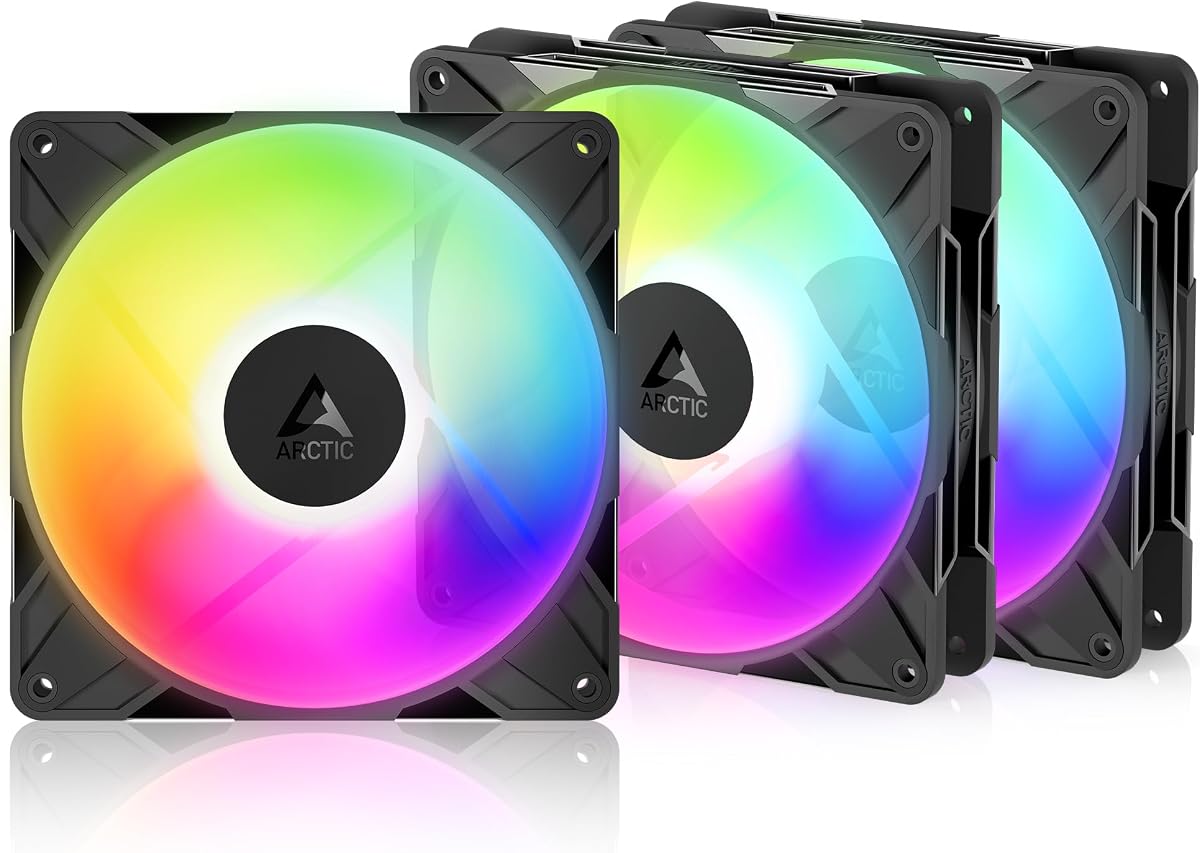


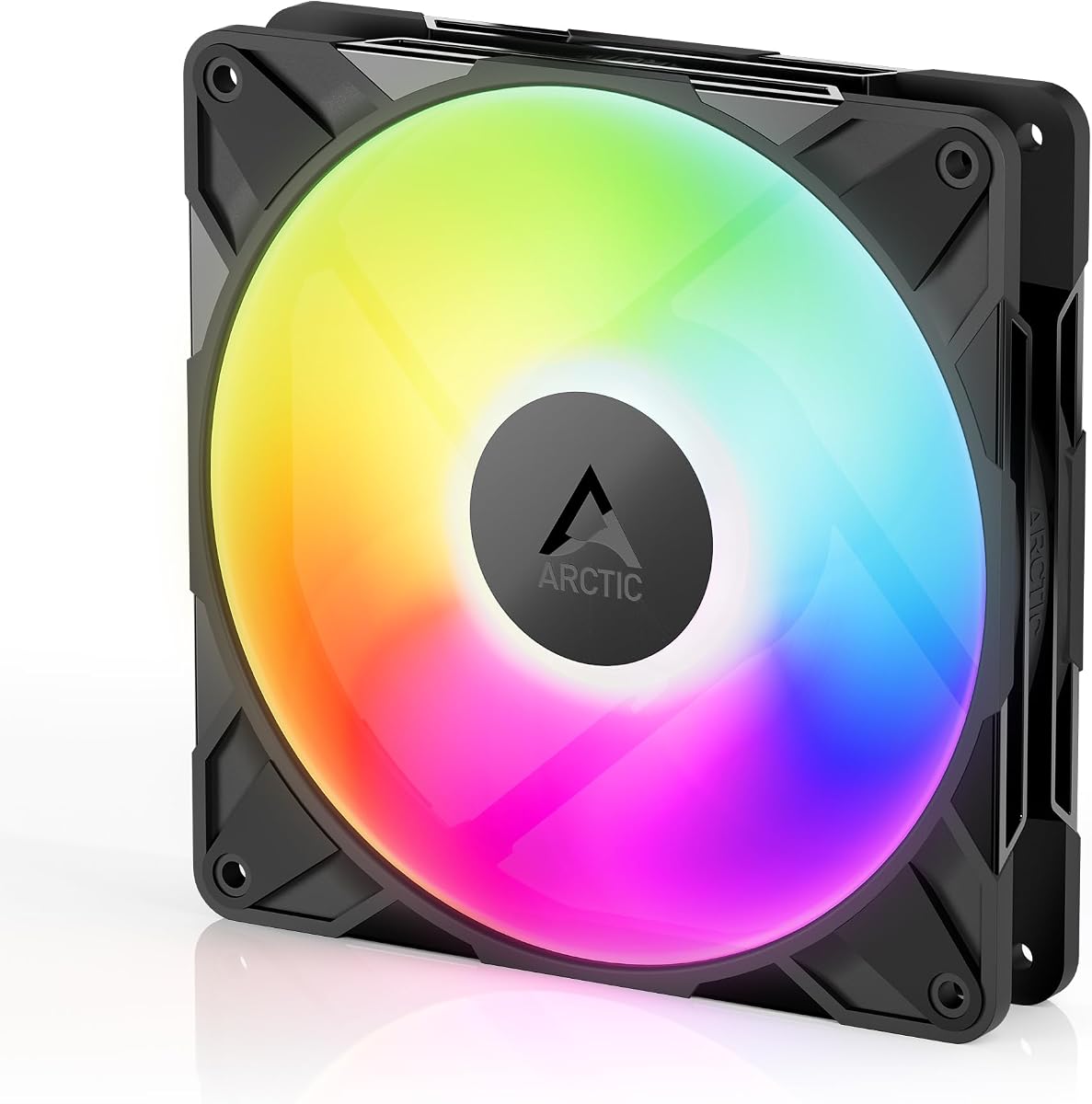


The Thermalright TL-C14C-S X3 package offers a compelling solution for builders seeking high performance at an accessible price point. With a strong 4.7 rating, these fans deliver solid cooling capabilities while maintaining a quiet profile suitable for gaming setups.
We may earn a commission when you buy through this link, at no additional cost to you.
Its standout quality lies in the combination of 75.8 CFM airflow and effective ARGB lighting. The fans utilize a 4-pin PWM interface for automatic speed control, ensuring temperatures stay low without unnecessary noise. The S-FDB bearing contributes to smooth operation over extended periods.
While they are not specifically designed for high static pressure applications like dense radiators, they excel as general case fans. The 17 available light modes provide flexibility for customization, though the frame is conventional compared to halo-style competitors.
This pack is ideal for users needing multiple fans to fill a mid-tower case without overspending. If you prioritize airflow and value over premium features, these are a reliable choice for maintaining airflow balance in your system.
The 7-blade structure balances noise and airflow, moving air efficiently without creating excessive turbulence.
Lighting can be controlled directly through motherboard ports, allowing for seamless synchronization with other components.
We may earn a commission when you buy through this link, at no additional cost to you.
The CORSAIR RS140 ARGB fans stand out as a premium option for users requiring top-tier cooling performance. They achieve an impressive 95.5 CFM, making them highly effective for pushing air through radiators or dense case filters.
We may earn a commission when you buy through this link, at no additional cost to you.
Key strengths include the magnetic dome bearing which reduces noise and friction, and the streamlined daisy-chain connection that simplifies cable management. The anti-vortex vanes direct air precisely, enhancing efficiency for targeted cooling on hot components.
While these fans command a higher price, the build quality and performance justify the cost for enthusiasts. However, full control over lighting and fan curves often requires the proprietary iCUE software, which adds a layer of complexity.
Buy this pack if you need maximum airflow for an AIO liquid cooler or want a premium feel with simplified cabling. They are a robust choice for builds where cooling efficiency is the primary concern.
Anti-vortex vanes focus the airflow, reducing wasted air movement and increasing cooling efficiency on heat sources.
The daisy-chain design allows multiple fans to connect to a single header, drastically reducing cable clutter.
We may earn a commission when you buy through this link, at no additional cost to you.
The ARCTIC P14 Pro Reverse fan pack offers a unique solution for modern cases with glass fronts. Its design draws air from the back, ensuring the front of the fan remains visible and aesthetically pleasing without obstructing airflow.
We may earn a commission when you buy through this link, at no additional cost to you.
These fans deliver high static pressure, allowing them to push through resistance effectively. The 2650 RPM max speed ensures rapid cooling, while the hydrodynamic bearing maintains low noise levels even at higher speeds.
While the airflow is excellent, the primary trade-off is the specialized design which might not fit every case orientation. However, the cost efficiency of a three-pack makes it a budget-friendly upgrade for custom loop or glass-front builds.
This option is perfect for users building sleek systems where appearance matters. If you need to move air without seeing fan logos on the intake side, these are an exceptional value choice.
The reversed motor placement prevents the hub and frame from ruining the look of transparent case panels.
Support for speeds down to 0 RPM allows for silent operation when cooling demands are low.
We may earn a commission when you buy through this link, at no additional cost to you.
The Thermaltake CT140 EX ARGB pack distinguishes itself with its MagForce 2.0 magnetic connection design. This allows for quick and tool-free daisy-chaining, significantly speeding up the installation process for three fans.
We may earn a commission when you buy through this link, at no additional cost to you.
Performance-wise, these fans provide reliable airflow and utilize nine addressable LEDs for vibrant lighting. They are designed to sync with standard 5V motherboards, offering 16.8 million colors for customization.
One potential downside is that magnetic connections, while convenient, may not be as secure as traditional cable plugs over time. Additionally, the frame material is functional but lacks the premium feel of higher-end competitors.
This pack is best suited for builders who value convenience and fast setup. If you want a plug-and-play solution with decent performance for a standard build, these are a strong contender.
Magnetic connectors eliminate the need for separate cables between fans, reducing complexity during assembly.
The 9 LEDs offer a vivid effect that is easily visible even in well-lit rooms.
We may earn a commission when you buy through this link, at no additional cost to you.
AsiaHorse Amici fans bring a distinct visual appeal to PC builds with their infinity mirror effect. This feature creates a visually striking look that appeals to enthusiasts who prioritize unique aesthetics alongside cooling performance.
We may earn a commission when you buy through this link, at no additional cost to you.
Technically, these fans deliver nearly 90 CFM airflow and can reach speeds up to 2000 RPM. The hydraulic bearing design supports a 50,000-hour lifespan, promising longevity and consistent performance over time.
While the airflow is impressive, the brand is less established than others, which might raise questions about long-term software support. The wiring is also standard, requiring more management compared to integrated solutions.
Consider this fan if you want a standout visual feature at a reasonable price. It is a solid choice for custom builds where the front of the case is a focal point.
Strategic LED placement creates a depth effect that mimics an endless tunnel of light.
Sound dampening measures ensure that high speeds do not translate into noisy operation.
We may earn a commission when you buy through this link, at no additional cost to you.
The Cooler Master MasterFan MF140 Halo is recognized for its exceptional balance of silence and lighting. It uses sound-absorbing materials to dampen noise, making it a top choice for users in quiet environments.
We may earn a commission when you buy through this link, at no additional cost to you.
Its duo-ring ARGB lighting creates a stunning visual effect that looks professional. The hybrid blade design provides enough pressure to handle liquid radiators without compromising on airflow efficiency.
A minor trade-off is the slightly higher cost compared to generic alternatives. Additionally, you may need to ensure your motherboard has compatible headers to fully utilize the lighting features.
This fan is ideal for anyone seeking a premium upgrade for their case. If you want a quiet, reliable, and visually impressive fan, this model delivers consistently.
Rubber pads and dampening materials reduce vibrations, ensuring a silent experience even at full speed.
Separate rings on the frame and blades offer layered lighting effects for depth.
We may earn a commission when you buy through this link, at no additional cost to you.
The ARCTIC P14 Pro A-RGB is engineered for raw cooling performance. With speeds reaching up to 3000 RPM, it moves a significant amount of air, making it suitable for systems with high thermal loads.
We may earn a commission when you buy through this link, at no additional cost to you.
The fluid dynamic bearing ensures smooth operation and longevity, while the new blade design optimizes the balance between airflow and noise. It is built for precise control and reliability.
At top speed, the noise output can be noticeable. However, the PWM control allows it to throttle down effectively for quieter operation when full cooling power is not required.
Buy this if you need maximum airflow performance and value build quality. It is a fantastic choice for users who want a fan that can handle the hardest cooling tasks.
The fan is built to sustain high speeds without premature wear, ensuring consistent cooling.
Tolerances are tight to reduce vibration, leading to a smoother and longer lasting operation.
We may earn a commission when you buy through this link, at no additional cost to you.
The Thermalright TL-C14C-S Black pack is designed for users who prioritize silence over lighting. It delivers solid airflow while maintaining very low noise levels, perfect for professional environments or quiet gaming.
We may earn a commission when you buy through this link, at no additional cost to you.
Soft silicone feet and a 7-blade design help minimize vibration and turbulence. The bearing technology ensures the fans remain smooth and quiet even after years of operation.
The only drawback is the lack of RGB lighting, which may not appeal to those wanting a flashy build. However, for those who prefer a subtle look, this is a highly effective choice.
This pack is best for office setups or builds where cooling and silence are paramount. It offers great reliability without unnecessary distractions.
Rubber mounting points isolate the fan from the case, reducing noise transfer.
Blade shape is optimized to move air quietly, avoiding whine.
We may earn a commission when you buy through this link, at no additional cost to you.
The single ARCTIC P14 Pro Reverse fan stands out with an exceptional 4.9 rating. It combines high static pressure with a premium reverse airflow design for those who need a high-quality intake fan.
We may earn a commission when you buy through this link, at no additional cost to you.
Its bearings are designed for minimal noise and maximum durability. The precision manufacturing ensures that vibration is kept to a minimum, contributing to a very smooth operating experience.
While the price is higher than budget options, the quality is evident. The reverse design is specifically useful for maintaining aesthetics in modern cases with large glass panels.
Invest in this if you want the best reliability and specific airflow direction. It is perfect for critical intake positions where performance and looks are both important.
Users consistently praise this model for its flawless operation and long-term reliability.
The reverse configuration is a thoughtful solution for aesthetic-focused builders.
We may earn a commission when you buy through this link, at no additional cost to you.
The Thermalright TL-C14C-S is an ideal entry-level option for those wanting ARGB on a tight budget. It delivers a solid performance profile with a 4.7 rating and standard features.
We may earn a commission when you buy through this link, at no additional cost to you.
The soft silicone feet and 7-blade design help keep noise down. It is a practical choice for a simple upgrade without a heavy financial investment.
One limitation is that it is often sold as a single unit, so you may need to buy multiples for a full setup. Cable lengths are also standard and may not reach all headers easily.
Choose this for budget builds where color is a priority. It provides a good balance of cost and function for standard cases.
The lighting is bright enough to show off without costing extra for premium sync features.
A reliable workhorse for general case ventilation and basic cooling needs.
We may earn a commission when you buy through this link, at no additional cost to you.
Selecting the right fans involves more than just aesthetics. You need to consider airflow, noise, and compatibility to ensure your PC runs efficiently.
Airflow measures how much air the fan moves, usually in CFM, which is ideal for general case ventilation. Static pressure measures the force pushing air through resistance, making it crucial for radiators or dust filters.
For general cases, high airflow is better. For radiators or restricted spaces, prioritize static pressure ratings.
Noise is measured in decibels (dBA). Lower numbers indicate quieter operation, which is vital for workstations or quiet rooms.
Look for fans rated below 25 dBA for the quietest experience.
Bearing types affect lifespan and noise. Fluid Dynamic Bearings (FDB) and Hydraulic bearings are superior to sleeve bearings for longevity and smoothness.
Choose FDB or hydrodynamic bearings for better durability and less maintenance.
Ensure the fan supports your motherboard's RGB standard. Most use 5V 3-pin ARGB, but some use 12V 4-pin RGB which is not compatible with 5V headers.
Always check your motherboard manual before buying to avoid wiring issues.
PWM fans use a 4-pin connection to control speed more efficiently than DC fans which use 3 pins. PWM allows for better temperature responsiveness.
Always choose 4-pin PWM fans for modern motherboards.
Fans are often sold in packs of 3. Buying a pack is cheaper per unit than buying individually.
If you need to fill a case, always look for multi-pack options.
Consider how the fans connect. Daisy-chain options simplify cabling by allowing multiple fans to use one header.
Daisy-chain fans are highly recommended for cleaner builds with less clutter.
Check your case support for 140mm fans. Some smaller cases only support 120mm fans, which changes your options entirely.
Always measure your case slots before purchasing to ensure the fit.
When installing fans, ensure you align the airflow direction correctly. Usually, arrows on the frame indicate the direction air should move, which helps maintain proper intake and exhaust flow.
Secure the fans using screws rather than rubber mounts if possible for better stability. Rubber mounts are great for vibration dampening but ensure they fit the holes in your case.
Clean your fans regularly using compressed air to prevent dust buildup. Dust can restrict movement and increase noise, so a quick blast every few months keeps them running smoothly.
Generally, yes. 140mm fans can move more air at lower RPMs, resulting in higher efficiency and lower noise. This makes them preferable for most modern cases where space allows.
No. Most use a 5V 3-pin ARGB connector, but some older fans use a 12V 4-pin RGB connector. These are not interchangeable and connecting the wrong one can damage your motherboard.
A balanced setup usually requires at least two intake and two exhaust fans. For larger cases, adding more to the top or front can improve thermal performance significantly.
Yes. Many fans have a physical controller or can be managed through the motherboard BIOS or utility software. Some also come with a remote for manual color changes.
Reverse fans are popular because they allow the front of the fan to look uniform while pulling air in. This is ideal for glass front cases where you do not want to see the motor or frame.
PWM is better for precise speed control. It allows the fan to stop or slow down significantly when temperatures are low, which is not always possible with DC control.
We have reviewed ten excellent options that cater to different needs and budgets. The Thermalright TL-C14C-S X3 offers great value for a pack, while the CORSAIR RS140 provides premium performance.
When choosing, prioritize cooling requirements over lighting. A fan that looks great but overheats your system is not worth it. Ensure the airflow and pressure match your specific hardware needs.
Remember to check current prices and compatibility before finalizing your purchase. Deals change often, and verifying your motherboard support ensures a smooth upgrade experience.