
WWZMDiB CH341A EEPROM BIOS Programmer
4.1Editor score
Supports 24 and 25 series chips
Includes SOIC8 SOP8 clip
Switchable 3.3v and 5V power
This guide compares the top 10 Bios Flash Tool options for programmers and technicians, evaluating compatibility, speed, features, and ease of use for reliable
Selecting the right Bios Flash Tool is essential for technicians and hobbyists who need to update or recover firmware on various electronic devices. A reliable tool ensures efficient programming of EEPROM and SPI flash chips without risking damage to sensitive hardware components during critical maintenance tasks.
We evaluated ten distinct products based on their compatibility with common chip series, programming speed, ease of use, and included accessories. Each option offers unique strengths for different workflows, ranging from budget-friendly programmers to comprehensive kits designed for professional repair scenarios involving diverse motherboard types.
Each selection highlights specific capabilities such as adapter support, voltage switching, and clip quality to help you make an informed decision. Please note that pricing and availability may change frequently, so verify current details before purchasing to ensure you get the most value for your specific technical requirements.
4.1Editor score
4.4Editor score

4.3Editor score
The following table provides a side-by-side comparison of all ten selected tools to help you quickly identify the right fit for your specific programming needs.




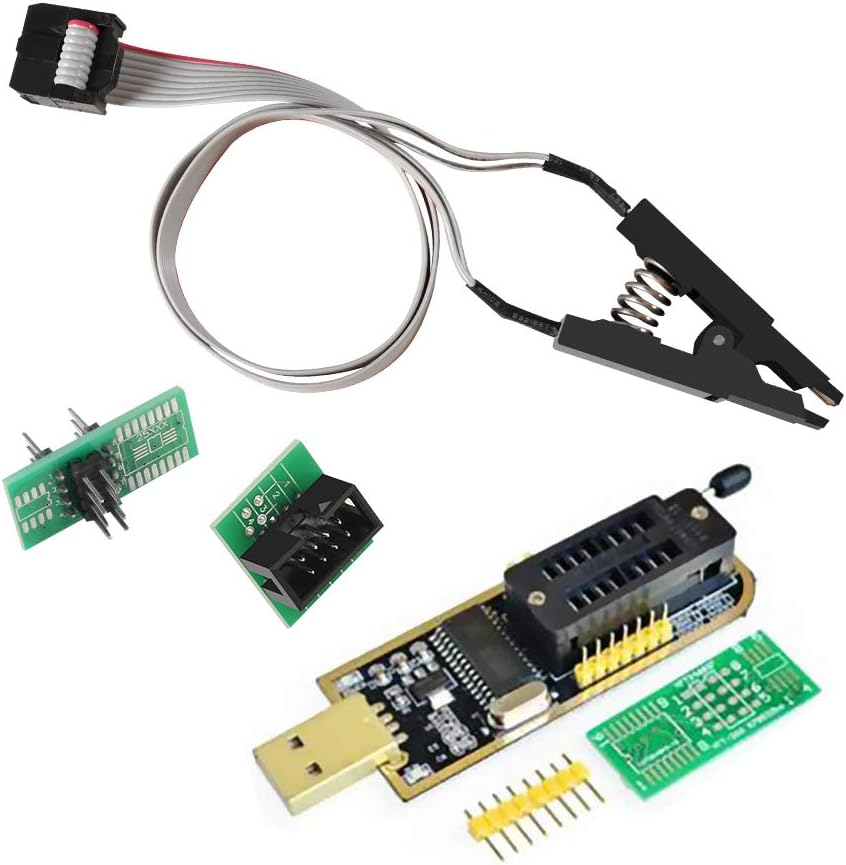
This CH341A programmer is a fundamental tool for anyone entering the field of EEPROM and BIOS flashing. It offers a low-cost entry point with essential accessories like clips and conversion plates to handle common 24 and 25 series chips effectively.
We may earn a commission when you buy through this link, at no additional cost to you.
The device supports backup, erase, programming, and calibration operations on a wide range of chips. Users appreciate the ability to clamp directly onto chips without soldering, which saves time during frequent read and write cycles on motherboard components.
Users must be careful to confirm chip voltage as the tool only switches between 3.3v and 5V. Some high-end or specific chips may require additional adapters or cannot be written by this specific CH341A variant due to hardware limitations.
This tool is ideal for hobbyists or technicians working on standard consumer electronics where budget is a priority. It provides reliable basic functionality for common tasks without the expense of more advanced professional programmers.
Its low cost makes it accessible for beginners who want to learn flashing without heavy financial risk.
The included clip allows quick testing and programming directly on the board when circuits permit.
We may earn a commission when you buy through this link, at no additional cost to you.
This kit pairs the popular CH341A programmer with robust test clips and adapters to streamline BIOS flashing workflows. It is a highly rated option for users who need a reliable setup for 24 and 25 series EEPROM chips without extra purchases.
We may earn a commission when you buy through this link, at no additional cost to you.
The SOP8 clip enables in-circuit programming which eliminates the need to desolder chips for testing or updates. This efficiency is crucial for repair shops or frequent flashers who value speed and want to minimize component stress.
Be aware that certain chips like ESMT SST class 25 may only be readable due to chip limitations. Peripheral circuits on motherboards can also interfere with direct clipping so verifying chip location is important before purchase.
Ideal for technicians needing a straightforward solution for common board repairs this kit balances cost and functionality well. It provides the necessary hardware to start programming quickly while maintaining a reputation for quality among users.
Clipping directly saves time and reduces the risk of damage from repeated soldering.
The double clip setup ensures you have replacements ready if one fails or gets damaged.
We may earn a commission when you buy through this link, at no additional cost to you.
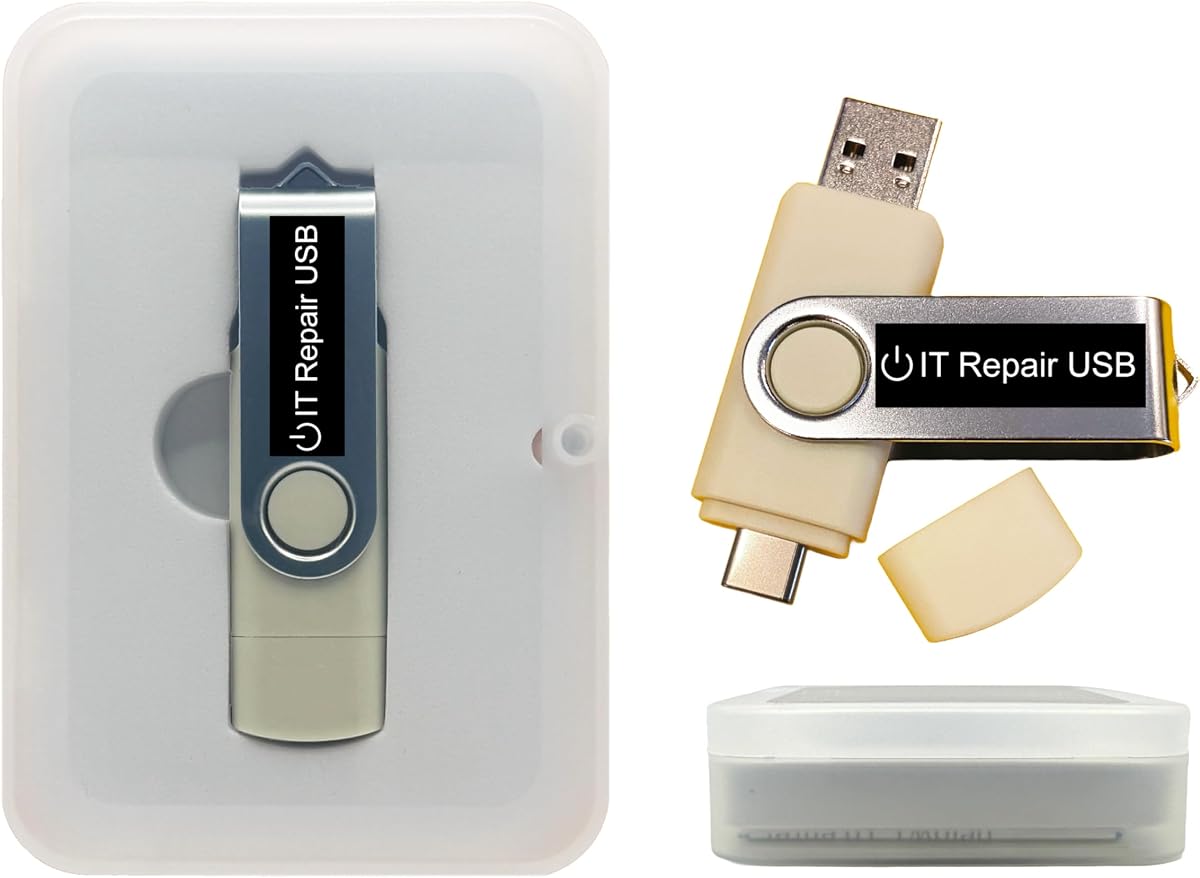
While not a flash programmer this USB offers critical recovery capabilities for systems with password issues. It supports nearly all laptops and desktops with both Legacy and UEFI boot modes ensuring broad compatibility for technicians.
We may earn a commission when you buy through this link, at no additional cost to you.
Users can reset forgotten passwords on Windows and Linux without reinstalling the system or losing data. The interface is user-friendly with on-screen guidance making it accessible for non-experts needing quick system access.
It lacks direct BIOS flash capabilities but serves as a vital adjunct tool for restoring access before flashing. Always verify boot mode compatibility to ensure the drive initializes correctly on your specific hardware configuration.
Best for technicians maintaining fleets of devices this tool simplifies account recovery tasks efficiently. It is a trusted choice for professionals who need reliable hardware to restore system access quickly and safely.
Resolves access issues in minutes which keeps workflows moving when users forget credentials.
Works across both Windows and Linux systems making it versatile for diverse environments.
We may earn a commission when you buy through this link, at no additional cost to you.
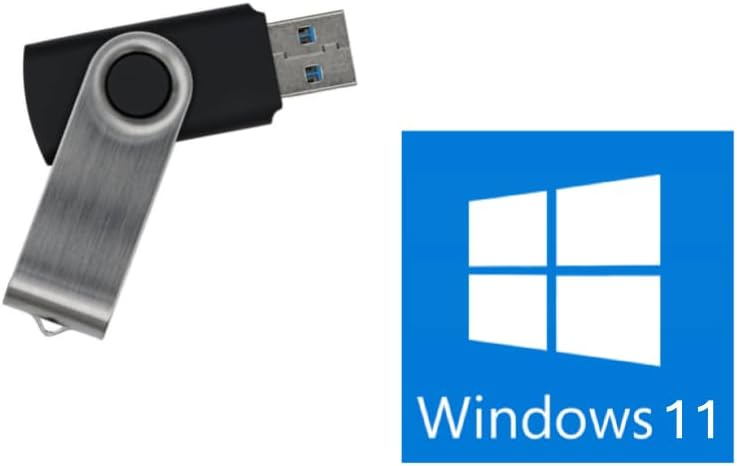
This USB provides a streamlined way to reinstall or repair Windows 11 without needing specific TPM hardware. It supports both UEFI and Legacy boot modes allowing installation on a wide range of systems from modern to older PCs.
We may earn a commission when you buy through this link, at no additional cost to you.
Technicians appreciate that it bypasses the TPM requirement which often blocks standard installers on older machines. It is designed to handle system recovery tasks efficiently when the OS is corrupted or needs a fresh start.
Remember this does not fix failing hardware or recover lost data from bad drives. It is strictly for OS installation and recovery so ensure the PC hardware itself is functional before relying on this tool.
Best for tech shops handling OS refreshes this tool saves time and avoids TPM hurdles. It offers a reliable path to get systems running again without the need for complex bypass procedures.
Enables installation on systems that standard installers might reject due to hardware checks.
Compatibility with both Legacy and UEFI ensures it works across different generation PCs.
We may earn a commission when you buy through this link, at no additional cost to you.
This kit expands on the standard CH341A setup by adding a 1.8V adapter crucial for modern low-voltage chips. It supports 93CXX 25CXX and 24CXX series making it highly versatile for various electronic applications like routers and TVs.
We may earn a commission when you buy through this link, at no additional cost to you.
The programming speed is notably faster than older programmers which increases throughput during high volume work. Users can handle complex flashing tasks that require multiple voltage levels without buying separate adapters later.
Managing more components adds a bit of complexity but the benefit of voltage flexibility is significant. Ensure you match the voltage correctly to avoid damaging sensitive low-voltage components during the flashing process.
Best for users who encounter diverse chip types this kit reduces the need for extra purchases. It offers a balanced solution for technicians who need to handle both standard and low voltage memory chips efficiently.
The 1.8V adapter unlocks compatibility with modern chips standard kits often miss.
Quick erasing speeds reduce wait times during batch programming operations.
We may earn a commission when you buy through this link, at no additional cost to you.
As the fastest BIOS chip programmer available this EZP2023 delivers exceptional read and write speeds. It automatically identifies most chip models and adjusts voltage which reduces manual configuration effort for users.
We may earn a commission when you buy through this link, at no additional cost to you.
The included 15 adapter set covers nearly every common chip type including 24 25 93 and 95 series. This broad compatibility makes it a one-stop solution for professional technicians working on diverse boards daily.
While manual selection is still needed for some EEPROM variants the bulk of work is automated. It fully supports SPI FLASH and EEPROM chips ensuring you rarely need extra tools for standard recovery tasks.
Best for professional repair shops this tool minimizes turnaround times and improves workflow efficiency. The investment pays off through speed and reliability when handling large batches of devices or complex repairs.
Read and write times are drastically reduced to keep high volume workflows moving.
Automatic detection and voltage selection handle most chips out of the box.
We may earn a commission when you buy through this link, at no additional cost to you.
This recovery toolkit is designed to diagnose and fix startup issues on Windows systems efficiently. It supports both UEFI and Legacy modes and can run directly from USB without installing software on the host drive.
We may earn a commission when you buy through this link, at no additional cost to you.
Users can remove malware recover files and repair partitions directly from the live environment. It is useful for troubleshooting unbootable systems where standard recovery methods fail or are inaccessible.
Note that it does not flash BIOS chips but prepares systems for updates by restoring OS stability. The customizable nature allows techs to add their own ISOs to the drive for specialized tools.
Ideal for IT pros needing a comprehensive rescue disk this tool handles many common OS faults. It provides a reliable foundation for repair work and ensures you can diagnose hardware issues effectively.
Built-in tools help identify faults before you attempt any complex firmware operations.
Add your preferred utilities to make it a tailored solution for your workflow.
We may earn a commission when you buy through this link, at no additional cost to you.
This clip specifically supports 25 Series wide and narrow body chips which are common in many modern boards. The hardened design with thick gold plating ensures stable connections even during frequent use cycles.
We may earn a commission when you buy through this link, at no additional cost to you.
The 40cm connection line provides flexibility to position the programmer away from the working area easily. This convenience helps reduce clutter on the workbench and allows better visibility during flashing tasks.
Note that some circuits may still prevent successful identification requiring chip removal for programming. Always verify chip compatibility before attempting in-circuit programming to avoid potential errors or failures.
Best for technicians frequently working with 16 pin chips this accessory improves workflow efficiency. It is a solid addition to your toolkit when standard clips do not fit your specific board requirements.
Thick gold plating on pins reduces signal loss and improves connection reliability.
Longer cables keep devices organized and make it easier to handle larger boards.
We may earn a commission when you buy through this link, at no additional cost to you.
This tool works with Secure Boot enabled which eliminates the need to disable security settings in BIOS. It downloads genuine Windows directly from Microsoft ensuring users always get the latest official ISO without piracy concerns.
We may earn a commission when you buy through this link, at no additional cost to you.
US-based support is available via chat or email for users needing setup guidance or assistance. The drive is optimized for modern 64-bit systems which streamlines the recovery process for newer PCs.
It does not support Legacy BIOS so verify your system boot capabilities before purchase. The lack of a product key means you must have a valid license or plan to purchase one separately.
Best for modern PCs requiring Secure Boot compliance this tool simplifies Windows recovery. It offers peace of mind through official sources and reliable human support for technical troubleshooting needs.
No BIOS changes needed to boot which saves time and reduces configuration errors.
Genuine downloads ensure compatibility and security for your operating system.
We may earn a commission when you buy through this link, at no additional cost to you.
This USB provides access to Kali Linux which includes over 600 penetration testing and security analysis tools. It is trusted by IT experts for vulnerability assessment forensics and digital investigation tasks.
We may earn a commission when you buy through this link, at no additional cost to you.
Users can run the system directly from USB or install it permanently for full performance. It supports both AMD64 and ARM builds making it versatile for different hardware architectures used in testing.
While not a flash tool it can be used to analyze system vulnerabilities before or after BIOS updates. The customizable nature lets you tailor the environment to your specific network audit requirements.
Best for security professionals this drive is a comprehensive toolkit for ethical hacking and assessments. It offers a professional-grade platform that ensures your security evaluations are thorough and accurate.
Hundreds of pre-installed tools streamline security and network analysis workflows.
Runs on both standard PCs and ARM devices for flexible testing scenarios.
We may earn a commission when you buy through this link, at no additional cost to you.
Choosing the right tool depends on your specific chip requirements and the frequency of use. This guide breaks down the key factors to consider before purchasing.
The most critical factor is ensuring the tool supports the specific chip series you work with most often. Most tools cover 24 and 25 series but some support 93 or 95 series which may be required for older or specialized devices.
Always verify the exact chip models on your target motherboard before buying a programmer to avoid incompatibility issues.
Chips operate at different voltages such as 1.8V 3.3V and 5V. Basic programmers often switch between 3.3V and 5V which misses modern low-voltage chips.
Look for tools with adapter kits or automatic voltage detection if you work with a wide range of hardware types.
In-circuit programming allows you to flash chips without removing them from the board. This requires high-quality clips that can bypass peripheral circuit interference.
If you need frequent updates or testing without desoldering prioritize tools with robust clips and adapters.
Programming speed varies significantly between different models. Some tools can read and write in seconds while others take minutes for the same chip.
For high volume work choose a faster model to improve throughput and reduce waiting times.
Many programmers rely on additional adapters to fit different chip footprints like SOP8 to DIP8. A complete kit saves money and time compared to buying parts separately.
Ensure the bundle includes all necessary sockets and clips for your typical projects before purchasing.
The accompanying software should allow easy backup and restoration of firmware. Look for interfaces that support batch processing and error checking for reliability.
Regular software updates from the vendor are also important for adding new chip support over time.
Professional use requires hardware that can withstand daily handling and connection cycles. Check for reinforced connectors and quality casing to ensure longevity.
Investing in a durable unit reduces the risk of hardware failure during critical repair jobs.
Real-world feedback from other technicians can reveal hidden issues or advantages not listed in product descriptions. Read reviews to understand common pitfalls or compatibility quirks.
Prioritize options with consistent high ratings for reliability and customer support responsiveness.
Always start by confirming the target chip model and voltage before connecting. Insert the chip into the adapter or clip carefully aligning pin one with the marked corner to prevent reverse connection damage.
Connect the USB cable to your PC and launch the provided software. Load the correct firmware file and perform a backup of the existing data before writing to ensure you can recover if needed.
Keep the tool and clips clean by storing them in a dry environment. Avoid bending the clip wires excessively and check connectors regularly for signs of wear to maintain reliable connections.
A Bios Flash Tool is used to read write or erase firmware stored on EEPROM or SPI chips. It allows technicians to update or recover BIOS data on motherboards and other electronic devices.
Most tools support clips that allow in-circuit programming without soldering. However some complex boards may require removing the chip if peripheral circuits interfere with the connection.
The 24 and 25 series are the most commonly supported by standard programmers. Some advanced tools also cover 93 and 95 series for specialized hardware needs.
No these tools typically require firmware files saved locally on your computer. You cannot update directly from the internet but must download images first before flashing.
It carries risks if incorrect files or voltages are used. Beginners should practice on scrap hardware and always backup existing firmware before proceeding to avoid damage.
Yes each programmer usually comes with or requires specific software to communicate with the chip. Ensure you download the latest version from the vendor for best compatibility.
Choose budget tools for occasional hobby use and premium tools for professional daily work. Premium options offer faster speeds and broader adapter support for higher efficiency.
Check your voltage settings and clip connection. Some chips may need removal from the board or a different adapter to be read correctly by the programmer.
We have reviewed ten distinct tools ranging from basic CH341A programmers to advanced EZP2023 units. Each serves different needs depending on your workflow and specific chip requirements.
Prioritize compatibility with your target devices and speed if you handle high volumes. Investing in a tool with good adapter support will save money over time as you expand your projects.
Always verify current product details and pricing before purchasing to ensure you are getting the best value for your specific technical needs.