
Bootable USB Drive for Windows 11 – NO TPM Requirement
4.0Editor score
Simple recovery tool
Texas tested
No key included
Discover the top Bootable Windows 11 USB Drive options for easy installation and recovery. We compare features, compatibility, and tools to help you choose the
Finding a reliable Bootable Windows 11 USB Drive is essential for anyone looking to reinstall or repair their operating system efficiently. These drives simplify the process by providing pre-loaded tools and installation media, saving time and technical hassle for users of all skill levels.
We evaluated ten top-rated products based on compatibility, included tools, ease of use, and customer feedback. Our comparison highlights key features like TPM bypass options, driver support, and recovery utilities to ensure you select a drive that meets your specific system needs and repair goals.
Each pick in this guide showcases unique strengths, from budget-friendly options to comprehensive repair kits. Please note that prices and availability can change frequently, so we recommend verifying current details on the product pages before making your final purchase decision for your system.
4.0Editor score

4.3Editor score

4.2Editor score
This side-by-side comparison details the specifications and key features of each Bootable Windows 11 USB Drive option available. Use this table to quickly identify which drive offers the tools and compatibility you need for your specific Windows installation or recovery scenario.




This 64GB bootable USB drive stands out as a versatile tool for installing or recovering Windows 7 through 11. It boasts a solid 4.3 rating and addresses common hurdles like TPM requirements, making it accessible for a wider range of users.
We may earn a commission when you buy through this link, at no additional cost to you.
Its key strengths include the inclusion of network drives for WiFi and LAN connectivity, ensuring you can get online immediately after installation. The drive also offers comprehensive maintenance tools like hard drive partitioning and data recovery, which are invaluable for troubleshooting.
While it requires disabling secure boot in some BIOS settings, this is a standard procedure for many bootable media. Additionally, existing Windows installations cannot be kept during the process, so backing up data beforehand is essential.
This drive is ideal for users needing a comprehensive solution for system repair or fresh installs across multiple Windows versions. We highly recommend it for those seeking a reliable, all-in-one option that simplifies complex installation tasks.
The drive allows installation without a TPM chip, removing a major barrier for older hardware.
Includes tools for partitioning and recovery, making it useful beyond just installation.
We may earn a commission when you buy through this link, at no additional cost to you.
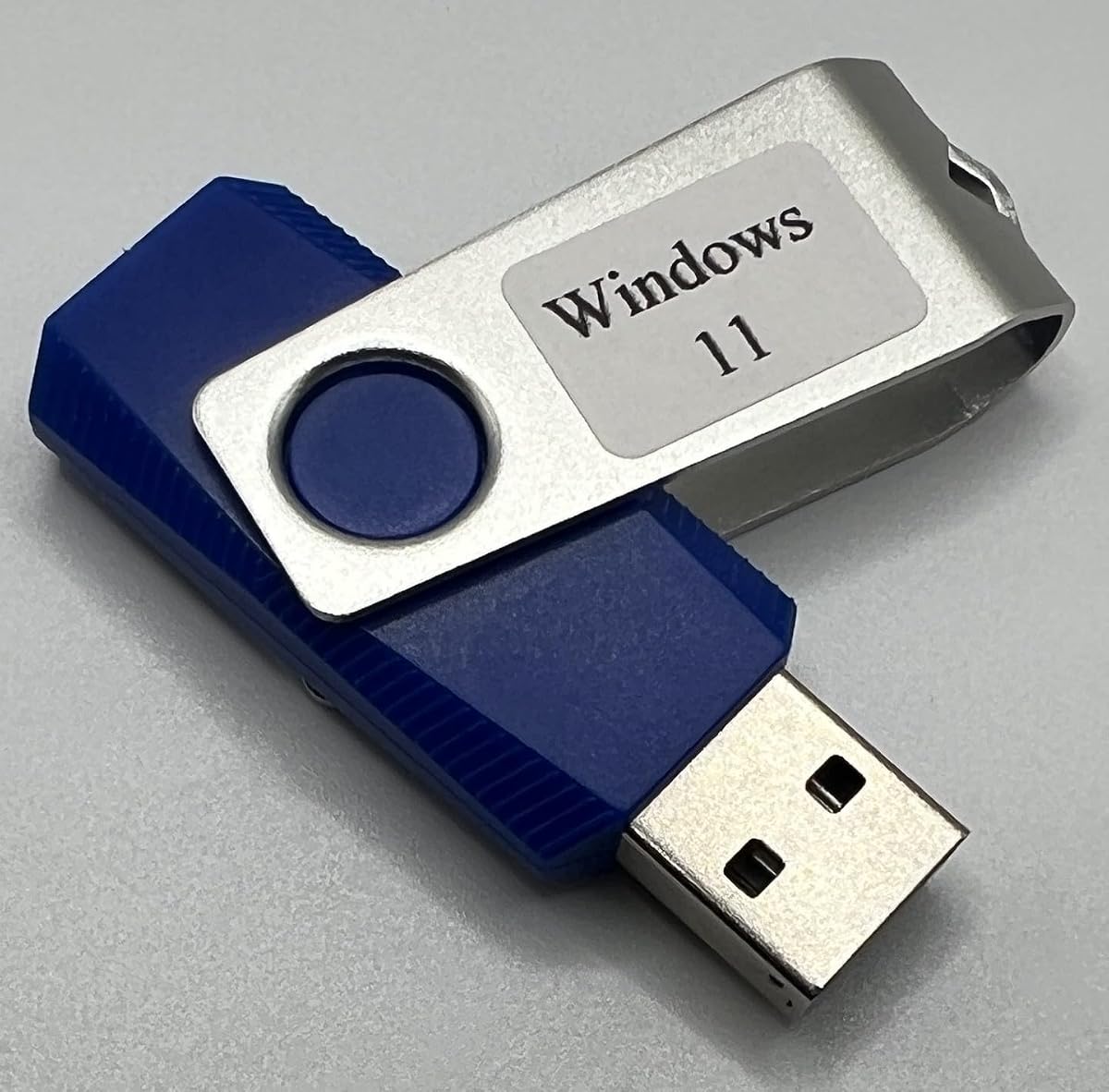
This 8GB USB installer focuses specifically on Windows 11 recovery and setup, offering a budget-friendly entry point for users who need a straightforward solution. With a 4.0 rating, it serves as a reliable tool for basic reinstalls.
We may earn a commission when you buy through this link, at no additional cost to you.
It excels in simplicity, designed to help users boot and reinstall Windows without complex steps. The fact that it is handmade and tested by a family-owned business in Texas adds a layer of trust for those seeking quality control.
Users should note that this drive cannot fix failing hardware like dead motherboards or bad RAM, so it is best suited for software-related issues. It is also not compatible with Chromebooks or Apple silicon Macs.
We recommend this drive for those seeking an affordable, no-frills option for Windows 11 system recovery. It is particularly suitable for users who have verified their PC can access BIOS and need a quick reinstall tool.
Tailored specifically for Windows 11 installations, ensuring compatibility and ease of use.
Offers essential recovery features at a competitive price point for cost-conscious users.
We may earn a commission when you buy through this link, at no additional cost to you.
This 32GB drive is a premium option for users needing robust data backup and recovery features alongside standard installation capabilities. It holds a 4.2 rating and is designed to help keep your data safe during the repair process.
We may earn a commission when you buy through this link, at no additional cost to you.
Its standout features include the ability to access the hard drive and backup data, which is crucial when dealing with system failures. The drive also includes the latest version of Windows 10 and 11, ensuring you are installing up-to-date software.
While it requires disabling secure boot in some cases, the included network drives and comprehensive maintenance tools make it a powerful utility. Note that automatic repair options are not supported, so manual intervention may be needed.
This drive is ideal for users who prioritize data safety and want a reliable tool for both installation and recovery. We highly recommend it for those needing to preserve files while reinstalling Windows on various brands.
Designed to help access and backup hard drive data before installation begins.
Provides the latest official Windows versions for current and future compatibility.
We may earn a commission when you buy through this link, at no additional cost to you.
This 64GB drive is a versatile tool for installing or repairing Windows 7 through 11, featuring password reset and hardware testing utilities. With a 4.2 rating, it offers a comprehensive suite of tools for various system maintenance needs.
We may earn a commission when you buy through this link, at no additional cost to you.
Its key strength is the inclusion of password reset tools and network drives, which are helpful for accessing accounts and the internet after installation. The drive is also fully scanned by antivirus software, ensuring a clean and safe installation environment.
While it supports both new builds and old computers, users may need to disable secure boot to boot from the USB. Additionally, the drive cannot fix hardware issues, so it is best for software-related problems.
We recommend this drive for users needing a wide range of tools including password recovery and hardware diagnostics. It is a solid choice for those looking for a comprehensive solution to manage multiple Windows versions.
Includes tools to reset Windows passwords, helping regain access to locked systems.
Offers utilities to test hardware components, aiding in diagnosing potential system issues.
We may earn a commission when you buy through this link, at no additional cost to you.
This USB drive is unique because it works with Secure Boot enabled, eliminating the need for BIOS changes. It downloads genuine Windows directly from Microsoft, ensuring an official and secure installation process for Windows 10 and 11.
We may earn a commission when you buy through this link, at no additional cost to you.
Its key strengths include the availability of US-based support via live chat, which can be helpful for users encountering setup issues. The drive is designed for 64-bit systems and supports UEFI BIOS, making it suitable for most modern PCs.
Users should note that legacy BIOS is not supported in the current version, and a product key is not included. However, the ability to bypass Secure Boot changes simplifies the process for many users with modern hardware.
This drive is ideal for users who want to avoid disabling BIOS settings and prefer official Windows downloads. We recommend it for those seeking a clean, supported, and user-friendly recovery and installation tool.
Works without disabling Secure Boot, simplifying setup for many modern systems.
Ensures you download genuine Windows from Microsoft for a secure install.
We may earn a commission when you buy through this link, at no additional cost to you.
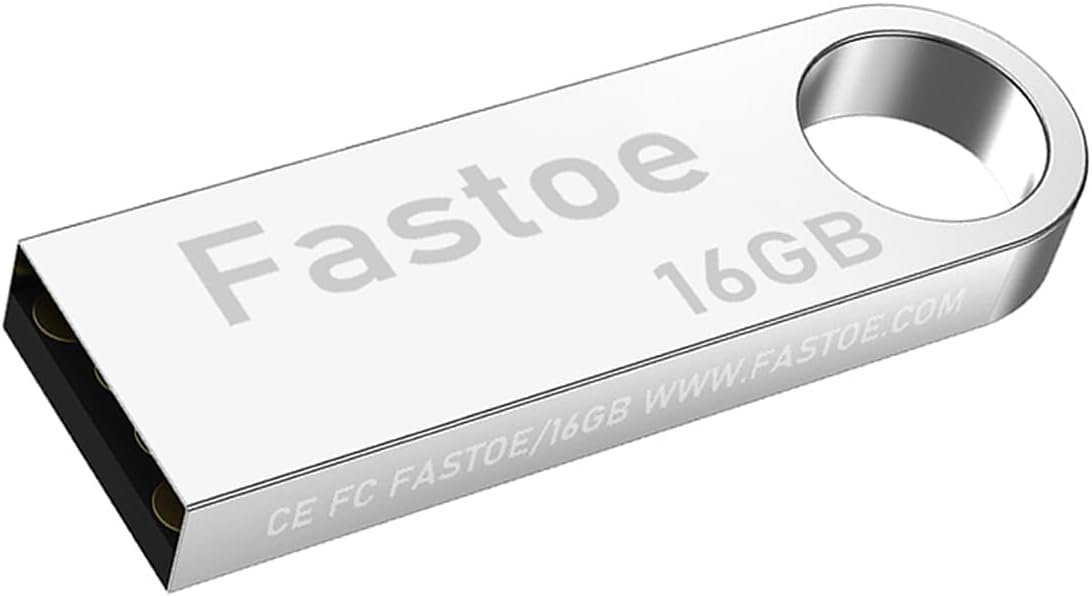
This 16GB USB drive is designed specifically for Windows 11 recovery and repair, offering essential tools to resolve common issues like slow performance or boot problems. It includes detailed instructions for setup, making it accessible for beginners.
We may earn a commission when you buy through this link, at no additional cost to you.
Its key strengths include multiple recovery options such as system repair and fresh installation, which can help restore a system to working order. The drive is UEFI compliant, ensuring proper booting across various computer makes and models.
While the rating is slightly lower at 3.9, it may reflect specific user experiences with hardware compatibility. However, it remains a solid tool for those needing to address Windows 11 specific boot or performance issues.
This drive is ideal for users dealing with Windows 11 system crashes or slow performance who need a straightforward repair solution. We recommend it for those who value detailed instructions and a dedicated focus on Windows 11.
Includes clear, step-by-step guides to help users through the recovery process.
Provides multiple recovery paths to address different types of system failures.
We may earn a commission when you buy through this link, at no additional cost to you.
This 64GB USB drive stands out by including a license key for installation, which is a rare feature in many recovery drives. It supports both Windows 10 and 11, and includes tools for password recovery and machine troubleshooting.
We may earn a commission when you buy through this link, at no additional cost to you.
Its key strengths include the inclusion of redeemable activation instructions and high-speed performance for faster installations. The drive also comes with video instructions to guide users through the boot and install process.
However, users should note that secure boot may need to be disabled in BIOS for newer computers, and the rating is slightly lower at 3.4. This suggests potential compatibility issues for some users.
This drive is ideal for users who want an included license key and password recovery tools in one package. We recommend it for those needing activation assistance and are comfortable with BIOS adjustments.
Offers a redeemable activation key, adding value for users needing installation access.
Includes tools to reset Windows passwords, helping regain access to locked systems.
We may earn a commission when you buy through this link, at no additional cost to you.
This 64GB drive is an all-in-one PC rescue USB that combines installation media with a comprehensive WinPE utility suite for backup and repair. With a 4.2 rating, it is highly regarded for its breadth of troubleshooting tools.
We may earn a commission when you buy through this link, at no additional cost to you.
Its key strengths include the ability to backup files, repair boot issues, and recover data while booting into the WinPE environment. The drive also includes password recovery utilities and diagnostic tools for common PC problems.
While it offers extensive capabilities, beginners may find the WinPE suite complex to navigate. Additionally, users may need to disable secure boot depending on their computer configuration to boot successfully.
This drive is ideal for users or home enthusiasts who need advanced repair and data recovery capabilities alongside standard installation. We recommend it for those needing to manage a variety of system issues with one drive.
Includes a powerful utility suite for advanced backup and system repairs.
Allows users to backup important files before attempting repairs or reinstalls.
We may earn a commission when you buy through this link, at no additional cost to you.
This USB drive is marketed as a 30-in-1 solution, offering a wide range of installation and recovery options for Windows 7 through 11. With a 4.0 rating, it provides a reusable media option that simplifies system maintenance.
We may earn a commission when you buy through this link, at no additional cost to you.
Its key strengths include the elimination of the need to download large system files, making it a convenient and ready-to-use tool. The drive helps keep older PCs useful by providing maintenance and refresh options without needing replacement.
Users should note that no license key is included, so activation may require existing digital licenses or a separately purchased product key. Additionally, secure boot may need to be disabled on some systems.
This drive is ideal for tech enthusiasts or home users managing multiple older systems needing maintenance. We recommend it for those who want a reusable and comprehensive toolkit for various Windows versions.
Offers a comprehensive suite of tools for various repair and installation needs.
Designed for multiple uses, saving time and effort on creating new bootable media.
We may earn a commission when you buy through this link, at no additional cost to you.
This 16GB USB drive is a focused solution for Windows 11 installation, featuring a plug-and-play setup and professional production tools. With a 3.8 rating, it aims to provide a clean and reliable installation experience for various PC brands.
We may earn a commission when you buy through this link, at no additional cost to you.
Its key strengths include being deployed with the latest official original version of Windows 11 and being free of viruses or spyware. The drive also includes online technical support services to assist users with any setup challenges.
However, the drive is limited to Windows 11 and does not support older versions like Windows 10 or 7. Users should also be aware of the slightly lower rating, which may reflect mixed experiences with installation success.
This drive is ideal for users specifically needing a straightforward Windows 11 installer with support backing. We recommend it for those who want a clean official version and are comfortable with basic plug-and-play procedures.
Deployed with the latest official original version of Windows 11 for reliability.
Includes online technical support services to help resolve any installation issues.
We may earn a commission when you buy through this link, at no additional cost to you.
Choosing the right bootable USB drive depends on several key factors including compatibility, included tools, and ease of use.
Ensure the drive supports your specific Windows version. Some are dedicated to Windows 11 only, while others support Windows 7 through 11.
Verify the product details to confirm it matches your system requirements before purchasing.
Many older systems lack TPM chips. Look for drives that explicitly state no TPM is required for Windows 11 installation.
These drives bypass strict Microsoft hardware requirements, making installation easier on older hardware.
Check whether the drive supports UEFI, Legacy BIOS, or both. Modern systems typically use UEFI, but older systems may rely on Legacy BIOS.
Ensure the product specifies compatibility with your computer's BIOS type to avoid boot failures.
Some drives include extra tools like password resets, data backups, and network drivers. These features can be crucial for troubleshooting.
Look for drives that offer the specific maintenance tools you need to recover or repair your system effectively.
After installation, you may need internet access for updates. Drives that include network drivers for WiFi and LAN are highly valuable.
Ensure the drive provides drivers so you can get online immediately after reinstalling Windows without extra downloads.
Look for drives that include video tutorials or detailed instructions. These resources can significantly simplify the boot process for beginners.
Choose a product that offers clear guides to help you navigate BIOS settings and boot menus confidently.
If preserving existing files is important, choose a drive that allows you to access and back up your hard drive data.
Some drives offer tools to backup files before installation, ensuring your personal data is not lost during the process.
Ensure the drive is advertised as being scanned by antivirus software and free from malware or viruses.
A clean installation source is critical to prevent introducing new security issues to your system during the repair process.
To start using your bootable USB drive, insert it into a USB port on your computer. Restart your system and access the boot menu by pressing the designated key, often F12, F2, or Delete, depending on your manufacturer.
Select the USB drive from the boot menu to start the installation or recovery process. Follow the on-screen instructions carefully to ensure you choose the correct options for reinstalling Windows without losing important data.
Store the drive in a protective case when not in use to prevent physical damage. Avoid exposing it to extreme temperatures or moisture, and handle it gently to maintain its reliability for future repairs.
Most of these drives do not include a product key. You will need to use your existing digital license or purchase a new key separately to activate Windows after installation.
Some drives require disabling Secure Boot, while others like PC-DNA work with it enabled. Check the product specifics to see if your BIOS needs to be adjusted before you begin.
Some drives offer data backup tools, but they are designed for system repair rather than physical hard drive recovery. If your drive has failed, specialized hardware recovery services may be needed.
Most brands are compatible, but some are optimized for specific Windows versions. Always verify compatibility with your model and BIOS type before purchasing to ensure it works.
These drives are typically used to reinstall Windows, which can remove existing data. Always back up your important files before using the drive to prevent accidental data loss.
Several drives include network drivers for WiFi and LAN. This feature ensures you can connect to the internet immediately after installation for updates and software downloads.
Verify your computer supports USB booting and that you are using the correct key to access the boot menu. If issues persist, consult the product instructions for specific BIOS configuration steps.
Choosing the right Bootable Windows 11 USB Drive depends on your specific needs for compatibility, tools, and ease of use. Our top picks cover a range of scenarios, from budget recovery to comprehensive repair solutions.
Prioritize features like TPM bypass options, network driver support, and clear instructions to ensure a smooth installation process. Selecting a drive that matches your system specifications will save you time and technical effort.
Remember to verify current prices and availability on product pages before purchasing to ensure you get the best deal. We hope this guide helps you find the perfect tool for your system repair or installation needs.