
Kasa Smart Light Bulbs
4.5Editor score
No hub required setup
Energy monitoring included
Auto white adjustment
This guide compares the top ten smart light bulbs for Google Home to help you choose the best color, white, or Matter-compatible option for your voice
Choosing the right smart bulbs for Google Home transforms your living space into a voice controlled environment. These bulbs offer seamless integration with Google Assistant allowing you to adjust lighting scenes and schedules effortlessly.
We evaluated ten top rated models based on connectivity stability color accuracy and ease of setup. Each product supports 2.4GHz Wi-Fi and provides reliable voice commands for hands-free operation throughout your home.
Each pick highlights unique features like music sync or Matter support to suit different needs. Please note that product availability and pricing may change so verify details before purchasing online.
4.5Editor score

4.6Editor score

4.5Editor score
This table provides a side-by-side view of the top ten smart bulbs compatible with Google Home. Review the key specifications and features to find the perfect fit for your lighting needs.



The Govee Smart Light Bulbs lead our list with a versatile color system and reliable Google Home integration. Rated highly by users these bulbs deliver smooth voice commands and a rich palette for mood setting.
We may earn a commission when you buy through this link, at no additional cost to you.
Their standout feature is the music sync capability which syncs colors to sounds via your phone microphone. You can also group bulbs for simultaneous control and schedule scenes to match your daily routine.
While the lack of Matter support limits future proofing the current Wi-Fi performance is stable. The requirement for 2.4GHz networks means dual-band routers need careful setup to avoid connection issues.
This pick is ideal for users seeking vivid lighting effects without a hub. It balances performance and flexibility making it a top choice for smart home enthusiasts.
This feature allows bulbs to react to music detected by your phone microphone enhancing party atmospheres.
You can select from preset scenes or DIY your own modes to match any activity or mood.
We may earn a commission when you buy through this link, at no additional cost to you.
The Kasa Smart Light Bulbs offer an accessible entry point into smart lighting with full color capabilities. They are praised for their consistent performance and user-friendly Kasa Smart app.
We may earn a commission when you buy through this link, at no additional cost to you.
A key advantage is the built-in energy monitoring which helps track usage and optimize consumption. The auto white feature adjusts color temperature based on natural light patterns for a comfortable experience.
While it lacks advanced scene customization the core functionality is robust. Users appreciate the stability of the Wi-Fi connection and the ease of voice control via Google Assistant.
For budget-conscious buyers wanting color and efficiency this set is a strong contender. It delivers essential smart features without unnecessary complexity.
The app provides real-time energy usage data helping you manage consumption costs effectively.
Bulbs adjust color temperature throughout the day to mimic natural light cycles for better wellness.
We may earn a commission when you buy through this link, at no additional cost to you.
The Philips Hue Essential Smart LED provides premium quality and long-term scalability for serious smart home users. It delivers excellent color fidelity and integrates seamlessly with Google Assistant.
We may earn a commission when you buy through this link, at no additional cost to you.
You can start with these bulbs and later expand with Hue devices like a Bridge for advanced automation. The smooth dimming down to two percent creates soft ambiance perfect for relaxation.
The Hue Bridge requirement for advanced content syncing adds to the cost but ensures stability. Expert-designed scenes offer curated atmospheres without the need for complex setup.
For those investing in a high-end lighting system these bulbs are a foundational choice. They offer reliability and depth unmatched by many competitors.
The Hue platform supports numerous devices allowing you to build a comprehensive smart lighting network.
Curated scenes designed by lighting experts help you quickly set ideal moods for any occasion.
We may earn a commission when you buy through this link, at no additional cost to you.
Linkind Smart Light Bulbs stand out with their dual WiFi and Bluetooth connection ensuring uninterrupted control. The AiDot app offers a wide range of preset scenes and creative light show features.
We may earn a commission when you buy through this link, at no additional cost to you.
The Bluetooth backup is invaluable when Wi-Fi drops letting you adjust lights locally without internet. Music sync functionality adds a dynamic layer for gatherings by detecting rhythm through your phone.
Initial setup requires both Bluetooth and 2.4GHz Wi-Fi which can be a slight hurdle. However once connected the performance remains steady and the scene variety is impressive.
This model suits users who value connectivity reliability and creative lighting effects. It balances cost and features effectively for modern homes.
WiFi enables remote access while Bluetooth ensures local control even when network fails.
The app allows DIY effects like ripple and flow to match your mood without programming skills.
We may earn a commission when you buy through this link, at no additional cost to you.
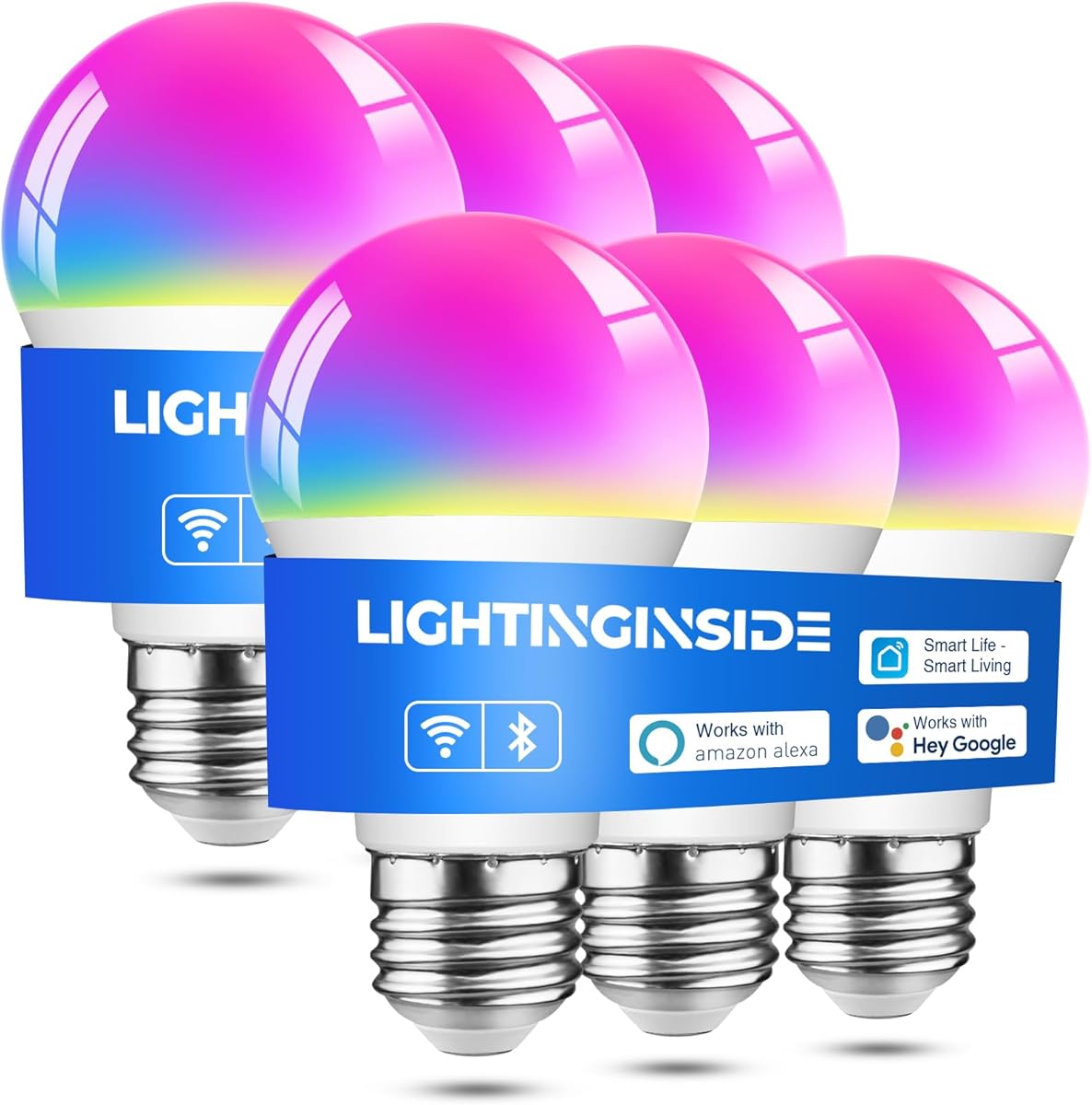
The Lightinginside Smart Light Bulbs offer excellent value with a six pack bundle for whole home coverage. They utilize a dual-channel BLE and Wi-Fi setup for faster pairing and local control.
We may earn a commission when you buy through this link, at no additional cost to you.
Even if Wi-Fi fails you can still control lights locally via BLE ensuring you are never without lighting. The two year warranty provides added peace of mind for long term use.
SmartLife is a common app choice but some users prefer dedicated apps. The RGB and tunable white options cover most lighting needs effectively.
Ideal for renters or large spaces needing multiple bulbs this set delivers reliability. The connectivity features make it a strong budget contender.
BLE connectivity allows you to manage lights locally without internet ensuring continuous access.
The dual channel chip speeds up setup and improves connection stability during initial install.
We may earn a commission when you buy through this link, at no additional cost to you.
DAYBETTER bulbs rely on their dedicated app for control which simplifies the interface. They connect via Wi-Fi and Bluetooth offering a stable link for voice commands and scheduling.
We may earn a commission when you buy through this link, at no additional cost to you.
Group control allows managing multiple lights at once for whole room lighting. The music sync feature adds a fun element to parties using your phone microphone.
Since it lacks Matter or third-party app support flexibility is limited. However for Google Home users seeking a straightforward setup it performs well.
This option suits users who want a simple no-frills smart bulb. It covers essential functions with minimal complexity.
The DAYBETTER app provides a streamlined interface for managing scenes and group settings easily.
Music sync lets bulbs dance to beats adding ambiance to social events with ease.
We may earn a commission when you buy through this link, at no additional cost to you.
This Linkind model focuses on high-quality white light with a high CRI index. It offers tunable white from warm to cool and efficient power usage for everyday tasks.
We may earn a commission when you buy through this link, at no additional cost to you.
Bluetooth local control ensures you can adjust lights even if Wi-Fi is offline. The AiDot app integrates well with Google Home for seamless voice interaction.
Lacking color options it is best for spaces where white light suffices. The energy savings and long lifespan add to its practical appeal.
Choose this for reading or work areas needing reliable white light. It prioritizes efficiency and stability over color variety.
With a CRI above ninety these bulbs render colors accurately for better visual comfort.
Using just eight point five watts these bulbs save up to eighty five percent energy.
We may earn a commission when you buy through this link, at no additional cost to you.
OREiN Matter bulbs bring cross-platform interoperability to Google Home users. They operate smoothly on your local network and support multiple smart home apps seamlessly.
We may earn a commission when you buy through this link, at no additional cost to you.
Music sync adds an immersive touch and RGBTW colors cover a broad spectrum of lighting needs. Matter ensures that you can switch ecosystems without replacing hardware.
You must scan a QR code for initial pairing which simplifies setup. The high CRI ensures vibrant colors and accurate white tones.
These bulbs are perfect for tech-savvy users planning future upgrades. They offer modern connectivity with robust performance.
Matter support allows devices to work together regardless of brand or app preference.
Matter devices run on your local network ensuring control even when internet is down.
We may earn a commission when you buy through this link, at no additional cost to you.
Linkind Matter bulbs eliminate the need for extra hubs while supporting Google Home. They offer millions of colors and a wide variety of preset scenes for dynamic lighting.
We may earn a commission when you buy through this link, at no additional cost to you.
Music sync enhances parties and the AiDot app handles integration smoothly. Matter certification means you can expand to Apple Home or Alexa easily.
You must connect via the AiDot app to link to your smart home. This step ensures stable registration and access to advanced features.
For users seeking a flexible Matter hub this pack is ideal. It combines color richness with interoperability.
Matter protocol allows these bulbs to connect directly to your hub without additional hardware.
With over a hundred preset scenes you can quickly switch between moods and activities.
We may earn a commission when you buy through this link, at no additional cost to you.
This Kasa pack offers consistent soft white lighting with deep dimming capabilities. It is trusted by millions and includes energy monitoring to track usage.
We may earn a commission when you buy through this link, at no additional cost to you.
The two seven hundred Kelvin temperature creates a cozy atmosphere. Dimmability down to one percent allows for perfect ambiance without glare.
While it lacks color customization it excels in basic lighting needs. The four pack is suitable for bedrooms or living areas.
Ideal for users prioritizing reliable warm light these bulbs deliver quality. They are a solid choice for everyday illumination.
The two thousand seven hundred Kelvin light provides a warm inviting glow for relaxation.
Monitor real-time consumption to optimize your home lighting costs effectively.
We may earn a commission when you buy through this link, at no additional cost to you.
Selecting the right smart bulb requires considering connectivity app compatibility and color options to fit your specific needs.
Most smart bulbs use Wi-Fi but some support Matter for better interoperability. Ensure your router supports 2.4GHz Wi-Fi which is standard for these devices.
Choose Wi-Fi models for easy setup and Matter models for future flexibility with multiple ecosystems.
RGB bulbs offer millions of colors for mood setting while tunable white bulbs adjust color temperature for comfort. Decide if you need color or just warm to cool white light.
RGB options are best for entertainment while tunable white suits reading and sleep routines.
Check which app controls the bulb as some require specific apps to enable Google Home features. Others integrate directly without a separate app.
Prefer bulbs that work with Google Home directly or via a trusted app like Kasa.
Look for bulbs with a lifespan around twenty five thousand hours to reduce replacement costs. Energy efficient models save money and reduce load on your system.
High CRI and low wattage are key indicators of quality and efficiency.
Many apps allow grouping bulbs for whole room control and preset scenes. This adds convenience to daily routines.
Ensure the app supports creating groups and scheduling scenes for automation.
Deep dimming down to low percentages creates better ambiance. Check if the bulb supports app-based dimming without physical switches.
Smooth dimming ensures a natural transition from bright to soft light.
Bulbs with Bluetooth or local Wi-Fi modes stay controllable during internet outages. This ensures your lights work even if your router restarts.
Local control is a valuable feature for reliability during network maintenance.
Reputable brands offer warranties that cover defects or connectivity issues. Check the support channels available if issues arise.
A warranty adds peace of mind for smart investments.
Start by screwing the bulb into an E26 socket and powering it on. Download the manufacturer app and follow setup instructions to connect to your 2.4GHz Wi-Fi network.
Link the bulb to Google Assistant through the app integration settings or the Google Home app. Use simple voice commands to turn lights on or adjust brightness.
Keep firmware updated via the app to ensure stability. Avoid using with traditional dimmer switches which can cause flickering.
Most bulbs need Wi-Fi for remote control but some have Bluetooth modes for local use when offline. Without internet you can still control lights locally if the app supports it.
No standard smart bulbs should not be used with traditional dimmer switches as this can cause flickering. Use the app or voice commands to dim the light instead.
Matter allows devices to work across different smart home apps and ecosystems. It simplifies setup and ensures compatibility with future smart home upgrades.
To reset a bulb typically turn it on and off five times until it blinks. Then reopen the app and follow the pairing process to reconnect it.
Smart bulbs are energy efficient and use about 9W for 60W equivalent brightness. This saves up to eighty five percent energy compared to traditional incandescent bulbs.
Most apps allow you to save custom lighting scenes based on color and brightness settings. This helps you quickly activate specific moods for activities.
Ensure your Wi-Fi is on 2.4GHz and the app is linked to Google Home. Reboot the router and bulb and try the pairing process again.
Most of these bulbs do not require a hub as they connect directly to Wi-Fi. Only specific brands like Philips Hue may need a bridge for full features.
The Govee Kasa and Philips Hue models lead our list with color versatility reliability and ecosystem depth. Each brings unique strengths to different lighting scenarios and preferences.
Prioritize connectivity stability and app usability when making your final choice. Consider whether color or tunable white fits your primary needs.
Always verify current availability and features before purchasing to ensure the product meets your requirements. Smart lighting evolves so staying informed helps you adapt.