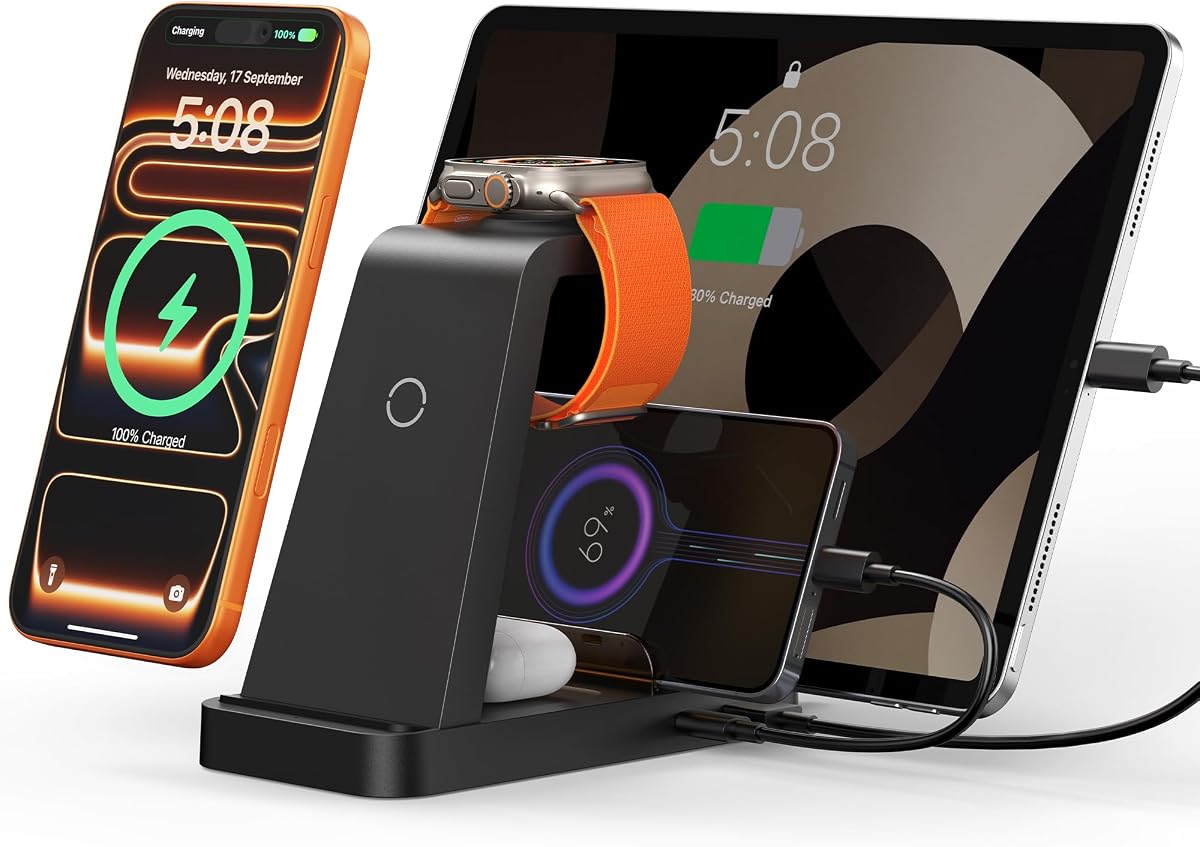
Wireless Charger for iPhone – 5 in 1 Charging Station for Multiple Devices Apple
4.3Editor score
36W fast charging adapter
5 devices simultaneously
Includes cables and adapter
Discover the top charging dock for multiple Apple devices in 2026. We compare fast wireless stations, foldable docks, and multi-port hubs to organize your tech
Finding the right charging dock for multiple Apple devices can transform your daily routine by reducing cable clutter and ensuring all your gadgets stay powered up efficiently.
We evaluated ten top-rated stations based on charging speed, compatibility, safety features, and design to help you choose the best solution for your home or office workspace.
Each pick below highlights key strengths and trade-offs so you can find the perfect match for your iPhone, Watch, and AirPods while keeping in mind that prices may vary.
4.3Editor score

4.2Editor score

4.6Editor score
This side-by-side comparison highlights the key specifications of each charging station to help you quickly identify the best fit for your specific device ecosystem.


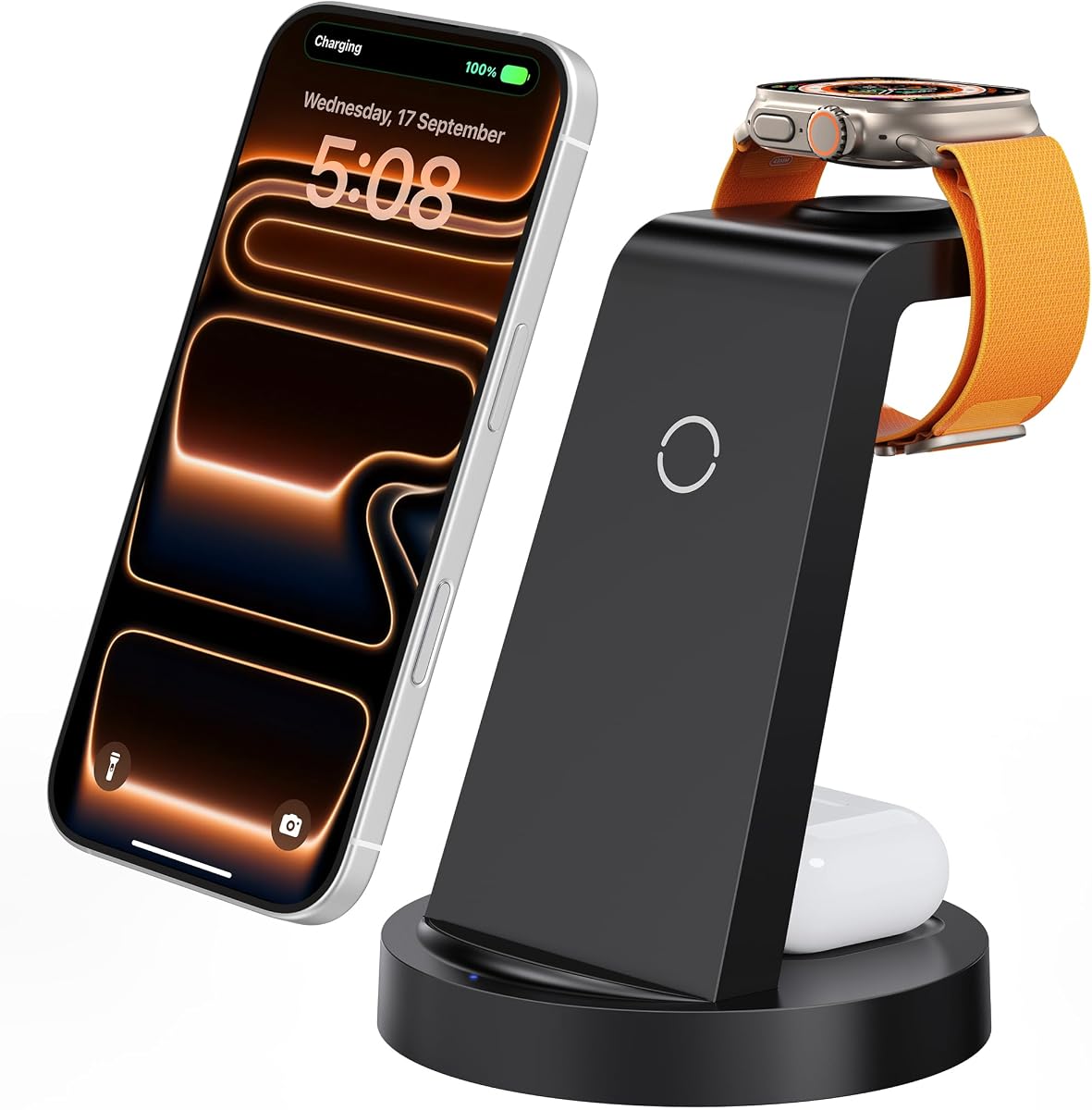


The GETPALS Wireless Charger stands out as a versatile solution for users seeking a compact yet functional 3-in-1 charging station for their Apple ecosystem.
We may earn a commission when you buy through this link, at no additional cost to you.
It delivers up to 7.5W for phones and integrates safety features like overcurrent and overheating protection to ensure reliable daily use across nightstands or desks.
While it requires removing metal rings from cases, its foldable design makes it an excellent travel companion for those needing organized power on the go.
This dock is ideal for couples or families who want a single station to manage iPhones, Watches, and AirPods without cluttering their workspace.
Its lightweight and foldable structure ensures it fits easily into bags for travel without taking up much space.
Built-in safety features protect your devices from overcharging and heat, offering peace of mind during overnight charging.
We may earn a commission when you buy through this link, at no additional cost to you.
This 5-in-1 station offers exceptional value by including a 36W adapter and necessary cables, making it a ready-to-use solution straight out of the box.
We may earn a commission when you buy through this link, at no additional cost to you.
It supports simultaneous charging for multiple devices including iPads via USB to Lightning cables, which adds significant versatility compared to standard 3-in-1 docks.
Safety is prioritized with over temperature protection and air vents, though users must remove thicker cases to maintain optimal charging speeds during use.
Ideal for budget-conscious buyers, it provides a tidy workspace solution while ensuring your family's devices stay charged efficiently every night.
The package includes a 36W adapter and multiple cables, saving you from buying extra accessories separately for your setup.
With USB and Type-C ports, it accommodates more than just Apple devices, allowing you to charge various gadgets from one hub.
We may earn a commission when you buy through this link, at no additional cost to you.
The Anker MagGo delivers ultra-fast 15W wireless charging with official Apple Watch certification, ensuring reliable performance for the latest iPhone models.
We may earn a commission when you buy through this link, at no additional cost to you.
Its ability to adjust vertically up to 45 degrees provides a unique flexibility for using StandBy mode, making it a standout choice for bedside use.
While it comes at a premium price, the included 40W adapter and high-quality build justify the cost for users seeking top-tier charging reliability.
This station is perfect for those who prioritize speed and official certifications over budget, offering a sleek and efficient way to charge essential devices.
With official certification, you can trust that your Watch will charge efficiently without issues from third-party non-standard components.
The stand allows you to set the phone at an optimal angle, enhancing usability for notifications or clock modes while charging.
We may earn a commission when you buy through this link, at no additional cost to you.
This station is a powerhouse with 10 ports and 320W output, making it the ideal solution for large households with numerous laptops and tablets.
We may earn a commission when you buy through this link, at no additional cost to you.
The inclusion of eight complimentary short charging cables helps eliminate clutter immediately, though you may need original longer cables for certain devices.
Safety is ensured through smart chips that detect devices automatically, and the sturdy ABS material construction ensures durability even with thick protective cases.
Best suited for family hubs where multiple devices need constant charging, it consolidates wall adapters and reduces desk clutter significantly.
With dual 65W USB-C ports, you can charge laptops like MacBook Pro alongside phones without sacrificing speed on any device.
The eight included cables in various types allow you to connect most devices immediately without hunting for extra accessories.
We may earn a commission when you buy through this link, at no additional cost to you.
The Acer Gadget station combines charging with a smart clock that syncs time via Bluetooth, adding a functional digital clock element to your nightstand.
We may earn a commission when you buy through this link, at no additional cost to you.
It offers two wireless phone chargers and an ambient lighting feature that allows you to customize the warm or cool tones in your space.
While it has two wired ports for other gadgets, you must ensure AirPods are centered for charging, which requires a bit more attention than other docks.
This product is a great choice for those who want a stylish and multi-functional unit that serves as both a charger and a decorative smart clock.
The built-in clock syncs time automatically via Bluetooth, keeping your room accurate without needing to manually set it.
Adjustable warm and cool lights help create a relaxing ambiance, making it a versatile addition to your bedside setup.
We may earn a commission when you buy through this link, at no additional cost to you.
The Anlmz station focuses on simplicity with a soft blue LED indicator that provides a gentle glow without disturbing sleep during the night.
We may earn a commission when you buy through this link, at no additional cost to you.
It includes an 18W adapter for stable power delivery and features foreign object detection to pause charging if metal accessories are detected accidentally.
While it lacks magnetic alignment, it supports cases up to 5mm thick, making it a practical choice for users who prefer standard non-MagSafe charging.
This dock is perfect for bedside tables where you need a clean, reliable way to charge iPhone, Watch, and AirPods without harsh lights.
The soft blue LED ensures you can see the charging status without the harsh brightness that typically disturbs sleep at night.
Advanced safety features detect metal objects and pause charging to prevent overheating or potential damage to your devices.
We may earn a commission when you buy through this link, at no additional cost to you.
Designed for travelers, this foldable magnetic charger automatically aligns with iPhone 12 and newer models, offering a secure and convenient charging experience on the go.
We may earn a commission when you buy through this link, at no additional cost to you.
The 180-degree foldable mat can be converted into a phone stand, allowing you to watch videos or chat while your device charges in hotel rooms.
It includes a free 18W adapter and is FCC certified, ensuring that your devices remain safe even when charging in different environments away from home.
Ideal for business travelers or tourists, this dock keeps your essentials organized without adding bulk to your luggage or bag.
Magnetic suction ensures your iPhone stays aligned correctly for charging, preventing the common issue of missed charging spots.
The foldable design allows you to use it as a flat pad or a stand, adapting to different situations like viewing or charging.
We may earn a commission when you buy through this link, at no additional cost to you.
This station is built for power users who need to charge laptops and tablets simultaneously, featuring dual 65W ports that can handle MacBook Pro or Air devices.
We may earn a commission when you buy through this link, at no additional cost to you.
The solid housing design ensures durability, though it is non-disassembled, and the flame retardant material provides an extra layer of safety during operation.
While it includes a 6-pack of mixed cables, you should use original cables for the best performance, which may be a slight inconvenience for some users.
Perfect for home offices, it consolidates multiple charging needs into one sturdy unit that can handle high-power devices without overheating.
With dual 65W ports, you can charge two laptops at once, making it a powerful tool for multi-device work setups.
The flame retardant material and solid construction ensure long-lasting performance even under heavy daily usage conditions.
We may earn a commission when you buy through this link, at no additional cost to you.
This massive station charges up to 13 devices simultaneously with dual 100W USB-C ports, making it the ultimate solution for high-density charging needs.
We may earn a commission when you buy through this link, at no additional cost to you.
GaN 5 technology ensures efficient and safe powering of laptops while the wireless base includes LED indicators that turn off to avoid light pollution at night.
While it is a significant investment, it consolidates almost all your charging needs into one device, saving space and simplifying your setup significantly.
Best for families or professionals with extensive device collections, it offers unparalleled capacity and safety features to keep everything running smoothly.
With capacity for 13 devices, you never need to worry about power shortages again, even during large family gatherings.
GaN 5 technology delivers power efficiently, keeping the station cooler and safer compared to older silicon-based chargers.
We may earn a commission when you buy through this link, at no additional cost to you.
This station supports up to 15 devices with an extra-wide slot for laptops, making it a robust choice for family rooms where tablets and phones are everywhere.
We may earn a commission when you buy through this link, at no additional cost to you.
GaN III technology keeps the unit cool even under load, and the soft LED indicator turns off automatically to ensure a peaceful sleeping environment.
While the price is higher, the ability to charge almost every device in the house at once makes it a worthy long-term investment for busy households.
It is an ideal gift for family members who struggle with outlet shortages, offering a practical and elegant way to manage tech needs.
The wide slot fits laptops and tablets with thick cases, ensuring secure placement without requiring you to remove protective gear.
The indicator light turns off after connection, preventing any annoying light distraction during nighttime hours.
We may earn a commission when you buy through this link, at no additional cost to you.
Choosing the right dock depends on your specific device ecosystem and whether you prioritize speed, portability, or maximum capacity.
Consider how many devices you need to charge at once. A 3-in-1 dock suffices for iPhone Watch and AirPods but families may need 8 or more ports for laptops and tablets.
Select a station that matches your daily device count to avoid outlet shortages and keep your space organized.
Look for stations with adequate wattage output. Some docks provide up to 300W or more, while others stick to basic 18W or 36W adapters.
Higher wattage is essential for laptops and fast charging iPhones, ensuring devices fill up quickly during the day.
Check for a mix of USB-C and USB-A ports along with wireless charging pads. Wireless pads offer convenience but wired ports ensure stable power for tablets.
A combination of both ensures you can charge every type of device you own without needing extra adapters.
Ensure the station has protections like overcurrent overvoltage and temperature control. Certified docks reduce the risk of damage to expensive gadgets.
Always verify FCC or safety certifications to guarantee reliable performance and device safety.
If you travel frequently, a foldable magnetic dock is ideal. Compact designs fit easily in bags and are easy to set up in hotels.
Prioritize lightweight and foldable options if you move often to avoid carrying bulky charging equipment.
Some docks work with thicker cases while others require thin or no cases. Check the thickness limits before purchasing to avoid charging issues.
Verify if your current phone case is supported to ensure seamless daily use without removal.
Some modern docks include clocks, ambient lighting, or Bluetooth sync. These features add convenience for bedside tables or desks.
Decide if you want extra functionality beyond charging to enhance your workspace aesthetic.
Choose established brands known for reliability and warranty support. They often provide better customer service and durable products.
Look for warranties like 24 months to ensure long-term satisfaction with your purchase.
Place the dock on a flat non-slip surface near an outlet to ensure stable power delivery and prevent sliding during use.
Remove metal accessories or thick cases from your devices to maintain optimal wireless charging speeds and prevent interference.
Regularly clean the charging pads with a dry cloth to remove dust and ensure consistent contact between your devices and the dock.
Many high wattage docks with USB-C Power Delivery ports can charge laptops like MacBook Air or Pro. Check the wattage of the USB-C port to ensure it meets your laptop requirements.
Some models offer magnetic alignment similar to MagSafe for iPhone 12 and newer. Others require manual centering so check the product details for alignment specifics.
Most modern docks include safety features like trickle mode that stop power flow when devices are full. This makes overnight charging safe when using certified adapters.
Ensure your phone case is not too thick or made of metal. Align the device properly on the pad and verify the adapter is plugged into a working outlet.
Yes most stations allow you to plug in your own cables for USB ports. However some include cables for convenience which you can use initially.
USB-C ports often support faster Power Delivery charging while USB-A ports are common for older devices. Docks with both offer maximum flexibility for mixed tech ecosystems.
These ten options provide a range of solutions from portable magnetic pads to massive multi-port hubs suitable for every household size.
Prioritize charging speed and safety features to ensure your expensive devices receive reliable power without risking damage during daily use.
Always check the current availability and specifications before purchasing to confirm the dock meets your evolving tech needs today.